free VPN extension edge(2026)
Find out what a free VPN extension for Edge can protect, what to check before installing, and how to choose a safer option.
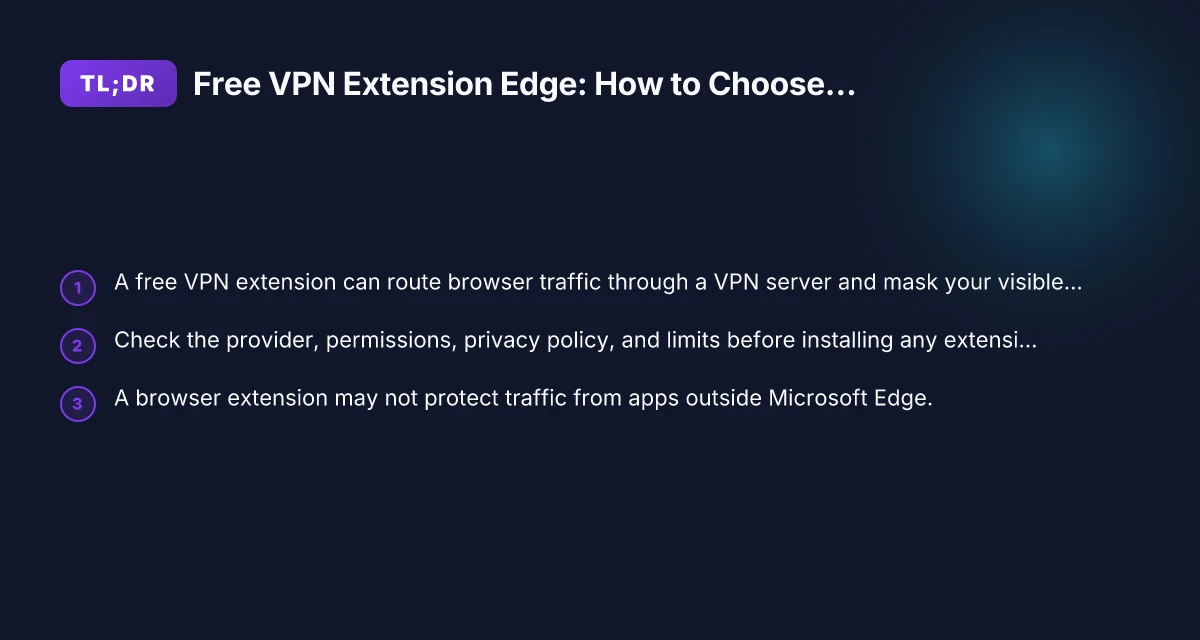
A free VPN extension for Edge can help mask your IP address and protect browser traffic on public Wi-Fi. Options are available through the Microsoft Edge Add-ons store, including VeePN, and other providers offer Edge extensions on their own websites. However, “free” does not tell you how an extension handles data or whether it protects your entire device. Review its privacy details and scope before relying on it.
Compare free VPN extensions for Microsoft Edge
| Option | Edge support | Free plan | Data or speed limits | Best for |
|---|---|---|---|---|
| Microsoft Edge VPN extension | Check Edge Add-ons listing | Varies by provider | Varies by provider | Edge users |
| Browser-only VPN extension | Usually supported | Often available | May be limited | Browser traffic |
| VPN app with Edge extension | Check provider support | May be available | Depends on plan | Browser and device use |
| Proxy-style extension | Usually browser-based | Often available | Varies | Basic location changes |
| Paid VPN extension | Usually supported | Usually no | Depends on subscription | More features |
| Unknown extension | Unclear | May be advertised | Unclear | Not recommended |
Compiled November 2026; check the provider's site for current details.
| VPN | Obfuscation | From / month | Plan | Free plan | Refund | Alipay | UnionPay | Crypto | Website opens in China | Trustpilot | |
|---|---|---|---|---|---|---|---|---|---|---|---|
 ZoogVPN | Turn on manually Shadow | $2.49/mo | 27 months: $59.99 | Yes | 7 days | ✓ | ✓ | ✓ | ✓ | Official site blocked; our special link opens (4.4 s) | 4.2/5 (195 reviews) |
 NordVPN | Turn on manually Obfuscated Servers / NordWhisper | $3.49/mo | 27 months: $94.23 | No | 30 days | ? | ✗ | ✓ | ✓ | ✗ Blocked | 4.2/5 (51,628 reviews) |
 ExpressVPN | ✓ On by default all servers | $3.00/mo | 28 months: $84 | No | 30 days | ✗ | ✗ | ✓ | ✗ | ✗ Blocked | 4.4/5 (29,706 reviews) |
 Surfshark | ✓ On by default Camouflage, with OpenVPN | See site | See site | No | 30 days | ✗ | ✗ | ✗ | ✓ | ✗ Blocked | 4.3/5 (31,823 reviews) |
 Proton VPN | Turn on manually Stealth, free plan too | $2.99/mo | 12 months: $35.88 | Yes | 30 days | ✗ | ✗ | ✗ | ✓ | ✗ Blocked | 2.1/5 (1,040 reviews) |
 Astrill VPN | Turn on manually StealthVPN / OpenWeb | $12.50/mo | 24 months: $300 | No | See site | ✗ | ✗ | ✗ | ✓ | ✗ Blocked | 1.3/5 (110 reviews) |
 Private Internet Access | Turn on manually Shadowsocks, OpenVPN only | $2.03/mo | 40 months: $81.2 | No | 30 days | ✗ | ✗ | ✗ | ✗ | ✗ Blocked | 4.2/5 (11,033 reviews) |
 CyberGhost | Turn on manually selected servers | $2.19/mo | 28 months: $61.32 | No | 45 days | ✗ | ✗ | ✗ | ✓ | ✗ Blocked | 4.0/5 (24,178 reviews) |
 PureVPN | Turn on manually switch to OpenVPN | $1.69/mo | 60 months: $101.55 | No | 31 days | ? | ? | ✗ | ✓ | ✗ Blocked | 4.4/5 (17,994 reviews) |
 AdGuard VPN | ✓ On by default TrustTunnel | $2.99/mo | 24 months: $71.76 | Yes | 30 days | ✓ | ✗ | ✓ | ✓ | Official site blocked; our special link opens (3.7 s) | 4.3/5 (290 reviews) |
 Mullvad | Turn on manually QUIC / Shadowsocks / LWO | $5.61/mo | €5/mo | No | 14 days | ✗ | ✗ | ✗ | ✓ | ✗ Blocked | 3.2/5 (192 reviews) |
 Windscribe | Turn on manually Stealth / WStunnel | $5.75/mo | 12 months: $69 | Yes | See site | ✗ | ✗ | ✗ | ✓ | ✗ Blocked | 4.7/5 (13,355 reviews) |
 StrongVPN | Turn on manually Scramble, OpenVPN TCP | See site | See site | No | 30 days | ✓ | ✗ | ✗ | ✗ | ✗ Blocked | 4.4/5 (2,695 reviews) |
 LightXtreme 闪连 | Not listed | $7.08/mo | 12 months: $84.99 | Yes | 30 days | ✓ | ✓ | ✓ | ✓ | ✓ Yes (3.5 s) | No page |
Prices checked 2026-11-10 on each vendor's pricing page (cheapest long plan, USD). Check the vendor's checkout for the final price.
Obfuscation checked 2026-11-14 on each vendor's site and help center: "on by default" = nothing to set; "turn on manually" = switch protocol or mode in settings; "not listed" = the vendor describes no obfuscation.
Payment methods checked 2026-11-10 on each vendor's payment pages: all 14 take cards and PayPal; ✗ = not listed, ? = the vendor's own pages disagree.
China access: whether the official website opens from mainland China networks (tests the website only, not the VPN connection). Last checked 2026-11-18 01:02 Beijing time.
Trustpilot score and review count checked 2026-11-10.
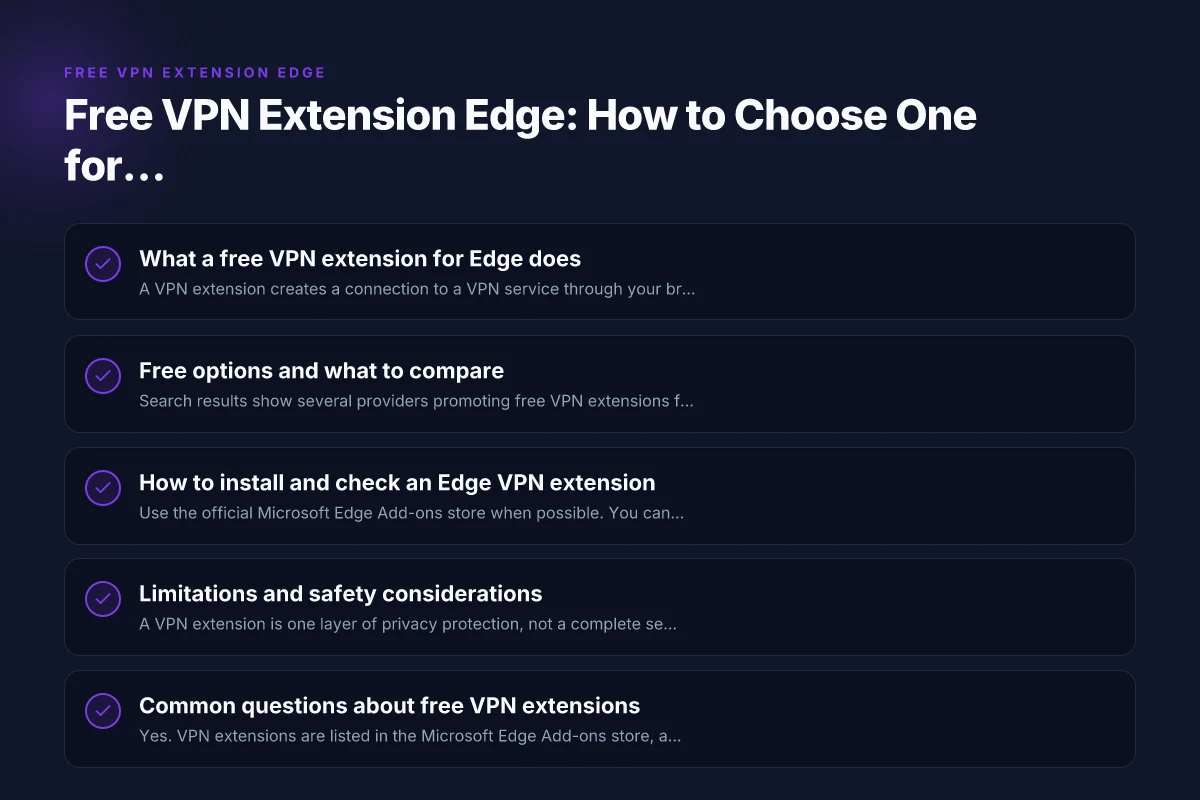
What a free VPN extension for Edge does
A VPN extension creates a connection to a VPN service through your browser. Depending on how it is designed, it can route browser traffic through a remote server, making websites see the server’s IP address instead of your usual one.
That can be useful when you want to reduce exposure of your IP address or access sites that are unavailable on your current network. A VPN does not make you anonymous, though. Websites may still identify you through account sign-ins, cookies, browser settings, or other information.
Extension or full VPN app?
A browser extension and a full VPN app are not necessarily the same thing. Some extensions protect only traffic from Edge, while a desktop VPN app may cover traffic from other browsers and applications as well. Check the provider’s description to understand exactly what is included.
Free options and what to compare
Search results show several providers promoting free VPN extensions for Microsoft Edge, including VeePN, Free VPN Planet, and VuzeVPN. The Edge Add-ons store also lists VPN extensions. These are examples to investigate, not guarantees of quality or suitability. icrosoft edge secure network VPN(2026)
| What to check | Why it matters |
|---|---|
| Provider and publisher | Confirm who operates the extension and whether the listing matches the provider’s official site. |
| Privacy policy | Look for clear information about what data is collected, stored, or shared. |
| Permissions | Make sure requested access makes sense for the extension’s stated purpose. |
| Traffic coverage | Check whether it covers Edge traffic only or more of your device’s internet activity. |
| Free-plan terms | Confirm any limits, features, or conditions directly in the current listing. |
| Support and updates | Look for signs that the extension is maintained and offers a way to get help. |
Do not assume that claims such as “unlimited,” “no logs,” or “secure” mean the same thing across providers. Read the extension listing and the linked privacy policy. If the terms are unclear, consider another option.
Check these factors before choosing
| Factor | What to check | A useful sign | Caution |
|---|---|---|---|
| Edge compatibility | Edge Add-ons availability | Listing supports Edge | Avoid unofficial downloads |
| Privacy policy | Data collected and shared | Clear, specific policy | Vague logging claims |
| Permissions | Access requested by extension | Permissions match features | Broad, unexplained access |
| Free-plan limits | Data, servers, and features | Limits are stated clearly | Hidden restrictions |
| Security | Encryption and connection details | Provider explains protections | Unverified security claims |
| Reputation | Provider history and reviews | Established provider | Few details or suspicious reviews |
| Support | Help and account options | Accessible support | No way to contact provider |
Compiled November 2026; check the provider's site for current details.
How to install and check an Edge VPN extension
Use the official Microsoft Edge Add-ons store when possible. You can search for the provider’s name or for VPN extensions, open the listing, and review its publisher, description, permissions, and privacy information before choosing Get. clash for ios(2026)
After installation:
- Open the extension’s settings and review its connection options.
- Check whether it shows when the VPN is connected.
- Test that your browser’s public IP address changes while connected.
- Confirm that the connection behaves as expected when you switch networks.
- Remove the extension if it requests access that seems unnecessary or behaves unexpectedly.
An IP check can confirm that your apparent address changed, but it does not prove that every aspect of your connection is private. Avoid entering sensitive information into unfamiliar services, and keep Edge and your operating system up to date.
Limitations and safety considerations
A VPN extension is one layer of privacy protection, not a complete security solution. It does not automatically block every scam, prevent tracking, or make unsafe downloads safe. Strong passwords, multifactor authentication, and careful browsing habits still matter.
Be especially cautious with free services that provide little information about their operator or data practices. A VPN provider handles your traffic, so its privacy policy matters. A “no-logs” statement should be read in context: check what the provider means by logs and whether it explains how the service works. VPN free(2026)
Also consider whether the extension protects only browser activity. Other apps on your computer may use your regular internet connection unless a device-wide VPN is active. If you need protection beyond Edge, verify that the provider offers a suitable full-device app.
Common questions about free VPN extensions
Is there a free VPN extension for Edge?
Yes. VPN extensions are listed in the Microsoft Edge Add-ons store, and providers including VeePN advertise free options for Edge. Availability and terms can change, so check the current listing and provider information before installing.
Does Microsoft Edge include a free VPN?
Search results include a claim about a built-in Edge VPN with a monthly data limit. Because features and availability can vary, verify the current details through Microsoft’s official Edge information rather than relying on an older video or third-party description.
Is any free VPN completely free?
Some providers offer a free tier, but the word “free” does not explain how the service is funded or what conditions apply. Check the provider’s current terms, privacy policy, and feature limits. Do not assume a free option has the same features or protections as a paid service. VPN extension for edge(2026)
Install and evaluate an Edge VPN extension
| Step | What to do | What to verify | If it fails |
|---|---|---|---|
| 1. Find | Open Microsoft Edge Add-ons | Correct provider and listing | Do not use unknown download sites |
| 2. Review | Read policy and permissions | Terms are understandable | Choose another extension |
| 3. Install | Select Add to Edge | Extension appears in Edge | Check Edge’s extension settings |
| 4. Connect | Open the extension and connect | Connection status changes | Try another server or reconnect |
| 5. Test | Check a website or IP location | Results match the selected location | Confirm traffic is routed as expected |
| 6. Recheck | Review settings and updates | Extension remains enabled and current | Update or remove it |
| 7. Decide | Compare limits with your needs | Free plan is sufficient | Consider another provider or plan |
Compiled November 2026; check the provider's site for current details.
Recommendation
A free VPN extension for Edge may be a practical choice for basic browser privacy, but choose based on transparent policies and clear technical details, not promotional claims alone. Start with the official Edge Add-ons listing, verify the provider and permissions, and confirm whether browser-only coverage meets your needs. If you need protection for other apps, look for a reputable full-device VPN instead.