free VPN for edge(2026)
Find out how free VPNs for Edge work, what to check before installing one, and when a browser extension may not be enough.
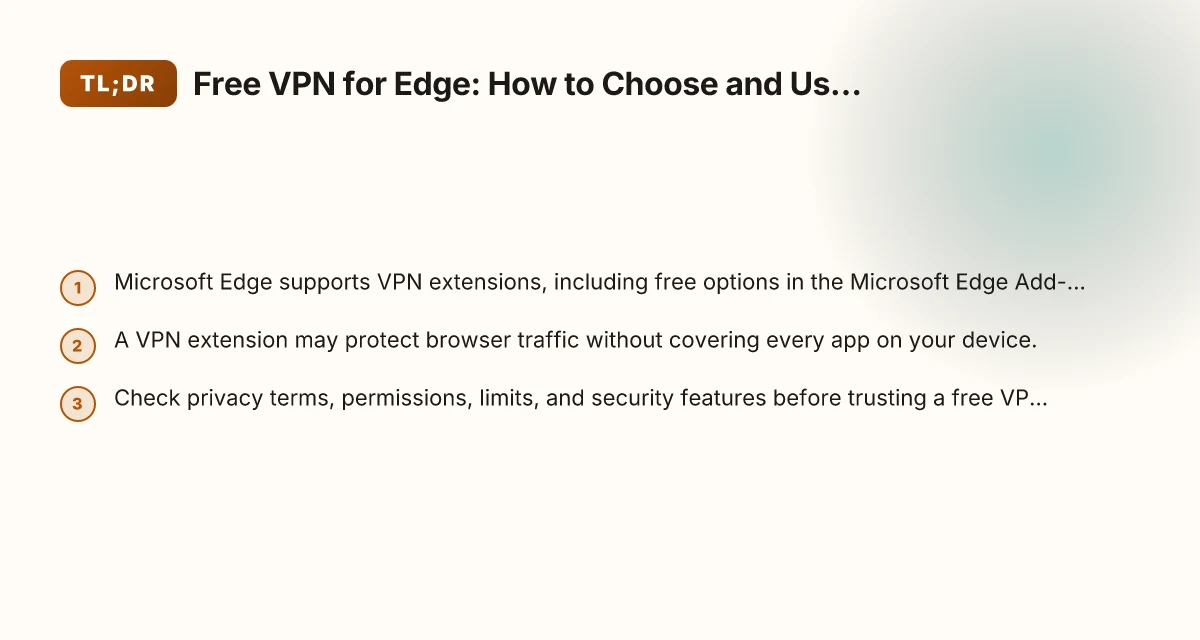
A free VPN for Edge can help protect browser traffic and change the apparent location of your connection, but the right choice depends on what you need it to do. Microsoft Edge offers VPN extensions through its Add-ons store, including VeePN’s free VPN extension. Before installing any free service, review its privacy policy, operating limits, and the scope of its protection: an Edge extension is not automatically the same as a VPN app that covers your whole device.
Free VPN for Edge options compared
| Option | Edge support | Free plan | Data limits | Best for | Key caveat |
|---|---|---|---|---|---|
| Microsoft Edge Secure Network | Built into Edge | Availability varies | Availability varies | Basic browser protection | Not a general-purpose VPN |
| Proton VPN | Edge via extension availability | Check current plan | Check current plan | Privacy-focused browsing | Free features may differ |
| Windscribe | Edge extension | Yes | Check current plan | Flexible browser controls | Free allowance may be limited |
| TunnelBear | Edge extension availability | Yes | Check current plan | Simple setup | Free usage may be limited |
| Browsec | Edge extension | Yes | Check current plan | Quick location changes | Review privacy practices |
| Urban VPN | Edge extension | Yes | Check current plan | Basic access to locations | Review logging and security details |
Compiled November 2026; check the provider's site for current details.
| VPN | Obfuscation | From / month | Plan | Free plan | Refund | Alipay | UnionPay | Crypto | Website opens in China | Trustpilot | |
|---|---|---|---|---|---|---|---|---|---|---|---|
 Proton VPN | Turn on manually Stealth, free plan too | $2.99/mo | 12 months: $35.88 | Yes | 30 days | ✗ | ✗ | ✗ | ✓ | ✗ Blocked | 2.1/5 (1,040 reviews) |
 Windscribe | Turn on manually Stealth / WStunnel | $5.75/mo | 12 months: $69 | Yes | See site | ✗ | ✗ | ✗ | ✓ | ✗ Blocked | 4.7/5 (13,355 reviews) |
 ZoogVPN | Turn on manually Shadow | $2.49/mo | 27 months: $59.99 | Yes | 7 days | ✓ | ✓ | ✓ | ✓ | Official site blocked; our special link opens (4.4 s) | 4.2/5 (195 reviews) |
 NordVPN | Turn on manually Obfuscated Servers / NordWhisper | $3.49/mo | 27 months: $94.23 | No | 30 days | ? | ✗ | ✓ | ✓ | ✗ Blocked | 4.2/5 (51,628 reviews) |
 ExpressVPN | ✓ On by default all servers | $3.00/mo | 28 months: $84 | No | 30 days | ✗ | ✗ | ✓ | ✗ | ✗ Blocked | 4.4/5 (29,706 reviews) |
 Surfshark | ✓ On by default Camouflage, with OpenVPN | See site | See site | No | 30 days | ✗ | ✗ | ✗ | ✓ | ✗ Blocked | 4.3/5 (31,823 reviews) |
 Astrill VPN | Turn on manually StealthVPN / OpenWeb | $12.50/mo | 24 months: $300 | No | See site | ✗ | ✗ | ✗ | ✓ | ✗ Blocked | 1.3/5 (110 reviews) |
 Private Internet Access | Turn on manually Shadowsocks, OpenVPN only | $2.03/mo | 40 months: $81.2 | No | 30 days | ✗ | ✗ | ✗ | ✗ | ✗ Blocked | 4.2/5 (11,033 reviews) |
 CyberGhost | Turn on manually selected servers | $2.19/mo | 28 months: $61.32 | No | 45 days | ✗ | ✗ | ✗ | ✓ | ✗ Blocked | 4.0/5 (24,178 reviews) |
 PureVPN | Turn on manually switch to OpenVPN | $1.69/mo | 60 months: $101.55 | No | 31 days | ? | ? | ✗ | ✓ | ✗ Blocked | 4.4/5 (17,994 reviews) |
 AdGuard VPN | ✓ On by default TrustTunnel | $2.99/mo | 24 months: $71.76 | Yes | 30 days | ✓ | ✗ | ✓ | ✓ | Official site blocked; our special link opens (3.7 s) | 4.3/5 (290 reviews) |
 Mullvad | Turn on manually QUIC / Shadowsocks / LWO | $5.61/mo | €5/mo | No | 14 days | ✗ | ✗ | ✗ | ✓ | ✗ Blocked | 3.2/5 (192 reviews) |
 StrongVPN | Turn on manually Scramble, OpenVPN TCP | See site | See site | No | 30 days | ✓ | ✗ | ✗ | ✗ | ✗ Blocked | 4.4/5 (2,695 reviews) |
 LightXtreme 闪连 | Not listed | $7.08/mo | 12 months: $84.99 | Yes | 30 days | ✓ | ✓ | ✓ | ✓ | ✓ Yes (3.5 s) | No page |
Prices checked 2026-11-10 on each vendor's pricing page (cheapest long plan, USD). Check the vendor's checkout for the final price.
Obfuscation checked 2026-11-14 on each vendor's site and help center: "on by default" = nothing to set; "turn on manually" = switch protocol or mode in settings; "not listed" = the vendor describes no obfuscation.
Payment methods checked 2026-11-10 on each vendor's payment pages: all 14 take cards and PayPal; ✗ = not listed, ? = the vendor's own pages disagree.
China access: whether the official website opens from mainland China networks (tests the website only, not the VPN connection). Last checked 2026-11-18 01:02 Beijing time.
Trustpilot score and review count checked 2026-11-10.
Does Microsoft Edge have a free VPN?
Edge users can find VPN extensions in the Microsoft Edge Add-ons store. Search results include VeePN’s free VPN extension, as well as other VPN-related add-ons. Some listings advertise features such as hiding your IP address, blocking ads or trackers, and a no-logs policy. These are provider claims, so check the listing and the provider’s own terms before relying on them.
You may also see discussions about a VPN-like feature built into Edge. Search results include community posts referring to an Edge service powered by Cloudflare, but forum comments are not official product documentation. Availability and functionality can vary, so check Edge’s current settings and Microsoft’s information for your version and region rather than assuming every user has the same built-in option.
A browser VPN extension is usually controlled from the browser toolbar. It may route traffic from Edge through a VPN server, while other apps continue to use your regular internet connection. Confirm what the specific extension covers.
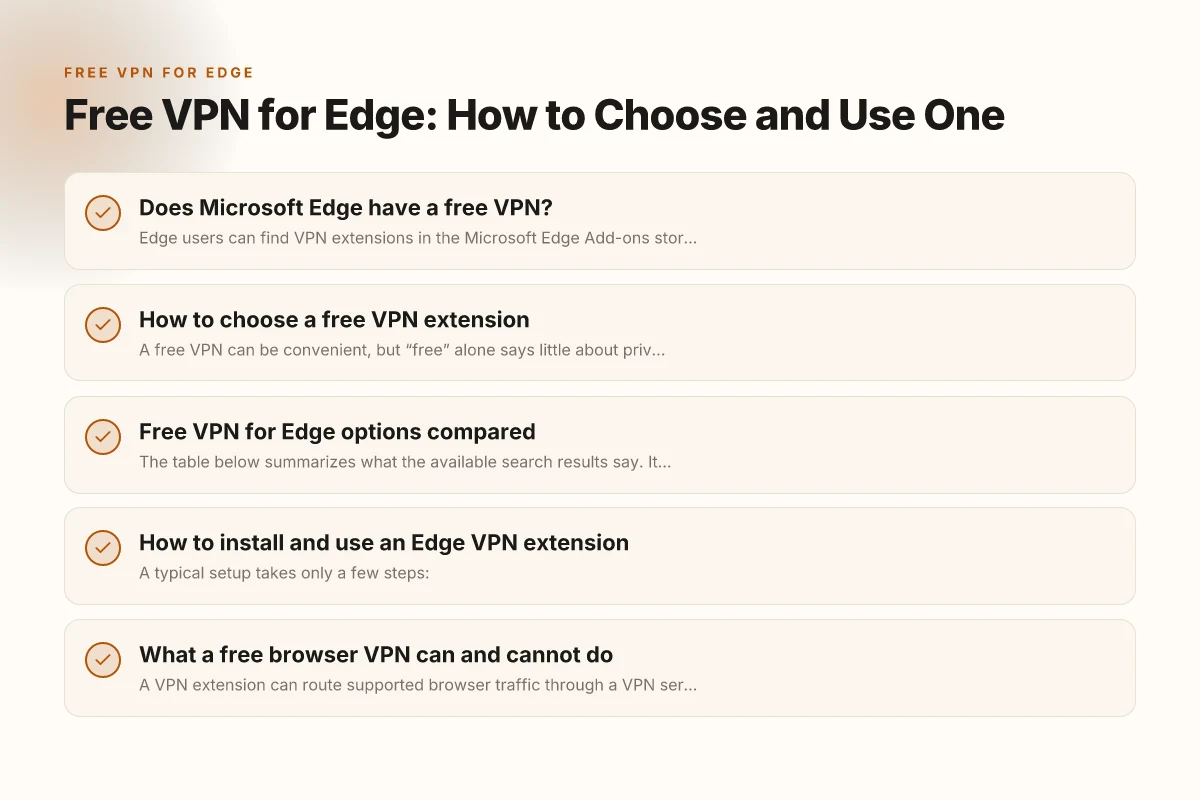
How to choose a free VPN extension
A free VPN can be convenient, but “free” alone says little about privacy or protection. Review the details before adding an extension to a browser that may handle email, shopping, work, and other sensitive activity. add or change a VPN connection windows 11(2026)
Look for clear answers to these questions:
- What traffic does it protect? Check whether it covers Edge traffic only or offers a separate app for device-wide protection.
- What data does the provider collect? Read the privacy policy for details on connection data, browsing activity, and account information.
- Are there usage limits? Confirm whether free access has data, speed, server, or feature restrictions.
- What permissions does it request? An extension may need browser permissions to function, but you should understand what access you are granting.
- Does it explain its security features? Look for clear information about encryption and connection protection rather than relying on broad marketing language.
- Can you find support and terms? A provider should make its policies and help resources easy to locate.
Do not treat “no logs,” “secure,” or “unlimited” as guarantees just because they appear in a store listing. Compare the claims with the provider’s privacy policy and the extension’s current details.
Free VPN for Edge options compared
The table below summarizes what the available search results say. It does not independently verify each provider’s claims.
| Option | What the search results say | What to check |
|---|---|---|
| VeePN Edge extension | The Microsoft Edge Add-ons listing describes it as a free VPN extension. VeePN’s site advertises an Edge add-on with no ads, no logs, and unlimited data. | Review current terms, privacy policy, permissions, and any free-plan conditions. |
| Other VPN add-ons | The Microsoft Edge Add-ons search page includes VPN-related extensions that advertise features such as IP hiding, ad or tracker blocking, and a no-logs policy. | Check each extension’s publisher, scope, privacy terms, and feature limits. |
| Edge’s VPN-like feature | Community results discuss a free Edge service and suggest a connection with Cloudflare. | Verify whether the feature is available to you and what traffic it protects through current Microsoft information. |
The best option is not necessarily the one with the longest feature list. Choose a service whose limits and data practices are clear and whose protection matches your intended use. edge VPN(2026)
How to choose a free VPN extension
| Check | What to look for | Why it matters | Good sign | Warning sign |
|---|---|---|---|---|
| Edge compatibility | Current Edge add-on support | Ensures it works in your browser | Listed in Microsoft Edge Add-ons | Unofficial download |
| Privacy policy | Clear data collection terms | Free services may rely on user data | Specific, understandable policy | Vague logging disclosures |
| Security | Encryption and leak protections | Helps protect browser traffic | Security details are published | Unsupported security claims |
| Data allowance | Monthly or daily limits | Avoids unexpected interruptions | Limits are clearly stated | No clear usage terms |
| Server locations | Available countries and regions | Affects access and connection choice | Locations are listed | Locations are unclear |
| Permissions | Requested browser access | Limits unnecessary access | Permissions match stated features | Broad, unexplained permissions |
| Reputation | Independent reviews and history | Helps assess trustworthiness | Established service with support | Little verifiable information |
Compiled November 2026; check the provider's site for current details.
How to install and use an Edge VPN extension
A typical setup takes only a few steps:
- Open the Microsoft Edge Add-ons store.
- Search for the provider or VPN extension you want.
- Check the publisher, description, permissions, and privacy information.
- Select the option to add the extension to Edge and review the requested access.
- Open the extension from the browser toolbar and follow its setup instructions.
- Connect to a server and confirm that the extension shows an active connection.
The exact interface can change between extensions. If you use a VPN to access a particular site or service, check that the extension is connected before opening it. Disconnecting the extension may return Edge to your normal connection. VPN edge(2026)
If an extension does not connect, review its help information and check whether another VPN, proxy, or browser setting is interfering. Avoid installing several VPN extensions at once: overlapping tools can make it harder to know which connection is active.
What a free browser VPN can and cannot do
A VPN extension can route supported browser traffic through a VPN service. This may make websites see the VPN server’s IP address rather than your usual one. It can also add a layer of protection on untrusted networks, depending on how the extension works and what traffic it covers.
It does not make you anonymous. Websites may still identify you through account sign-ins, cookies, browser settings, or other tracking methods. A VPN also does not replace careful browsing, strong passwords, or device security.
Keep these limitations in mind: cisco VPN(2026)
- Browser-only coverage: Other apps may remain outside the VPN connection.
- Provider visibility: The VPN provider may process connection information, so its privacy practices matter.
- Feature limits: Free plans may restrict access or performance. Check the current terms instead of assuming unlimited use.
- No guarantee against threats: A VPN does not by itself prevent phishing, malware, or unsafe downloads.
For sensitive activity or device-wide coverage, consider whether a reputable VPN app, not only a browser extension, better fits your needs. Compare its scope, privacy terms, and plan conditions before installing it.
What a free browser VPN can and cannot do
| Capability | Browser VPN extension | Device-wide VPN app |
|---|---|---|
| Protects Edge browser traffic | Yes, depending on the service | Yes |
| Protects other browsers | Usually no | Yes |
| Protects apps outside the browser | No | Yes |
| Changes apparent browsing location | Often | Often |
| Encrypts traffic between browser and service | Often | Often |
| Replaces HTTPS | No | No |
| Guarantees anonymity | No | No |
| Bypasses every regional restriction | No | No |
Compiled November 2026; check the provider's site for current details.
Recommendation
For a free VPN for Edge, start with the Microsoft Edge Add-ons store and carefully review the extension’s publisher, permissions, and privacy policy. VeePN is one option listed in the search results, but its advertised features should be checked against its current terms. Choose a browser extension if you only need protection for Edge traffic. Look for a device-wide VPN app if you need other apps covered too. big ip f5 VPN(2026)