NordVPN download windows 11(2026)
Download NordVPN for Windows 11 from the official site, install the app, sign in, and connect securely.
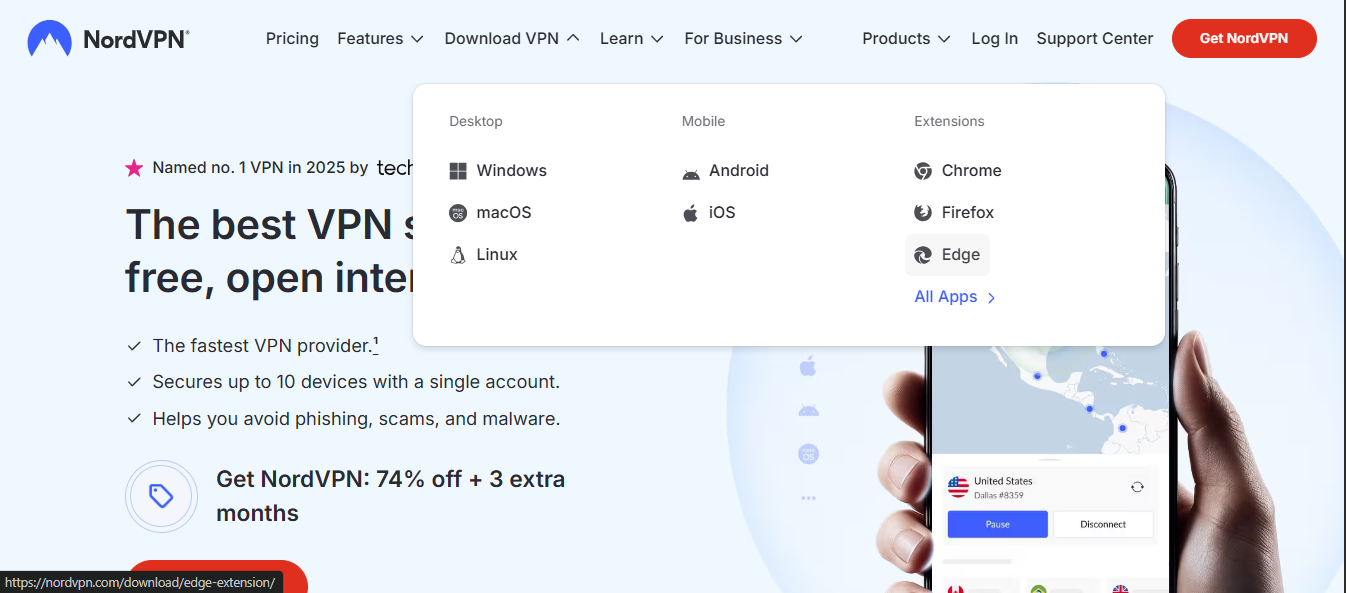
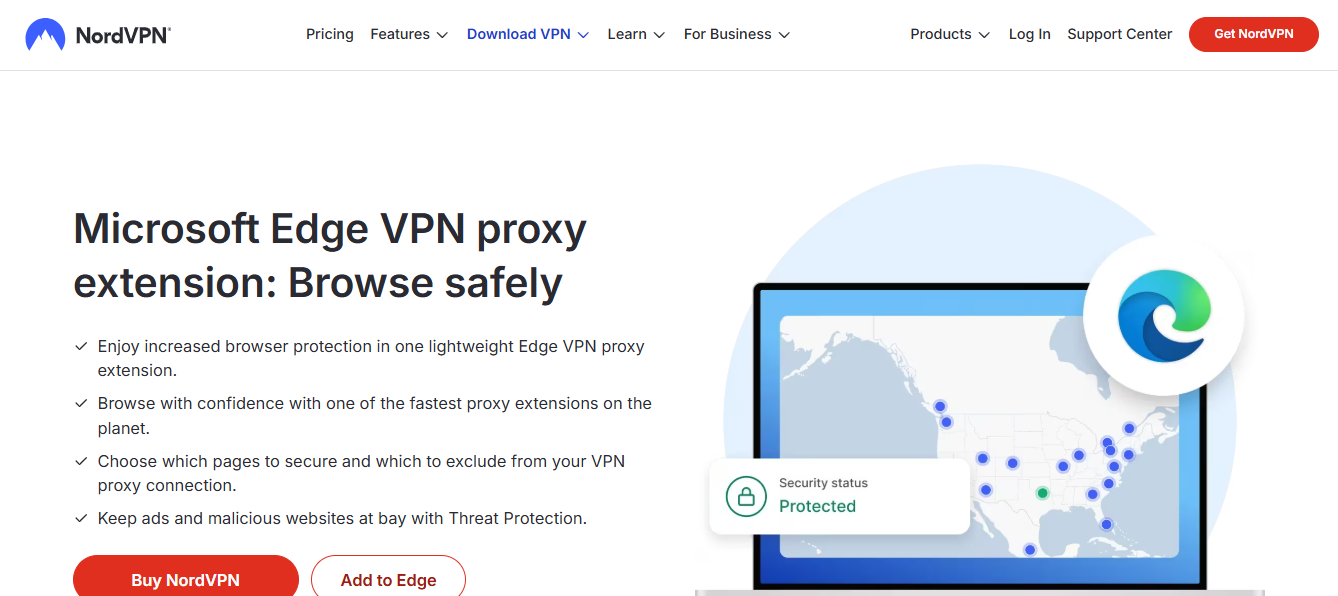
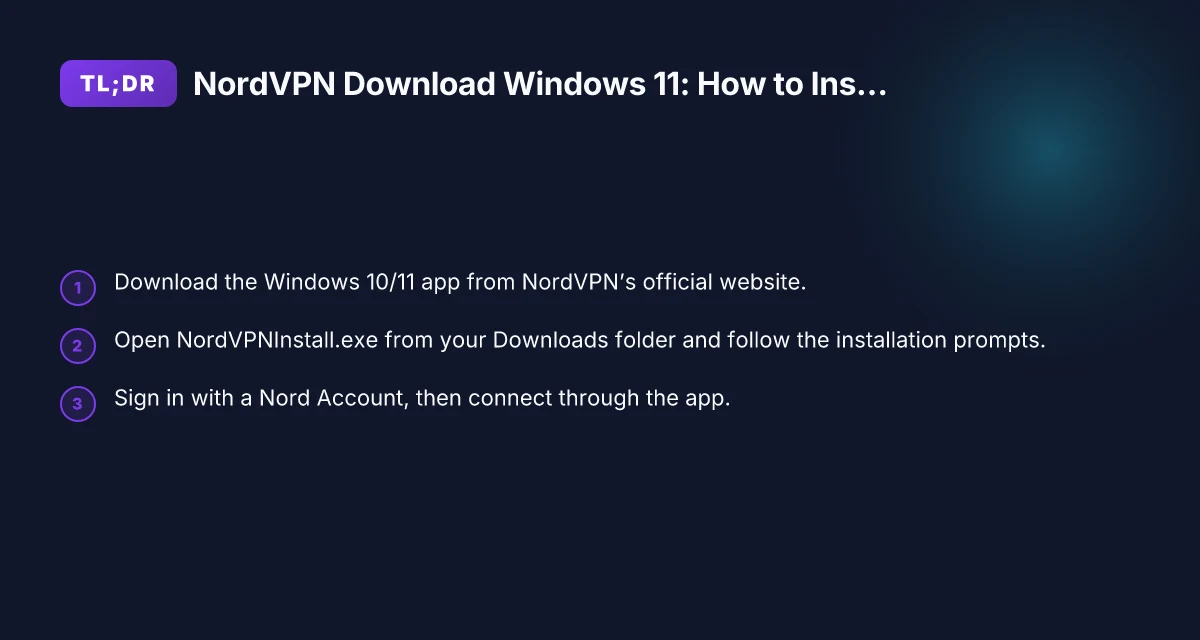
To complete a NordVPN download for Windows 11, visit NordVPN’s official Windows download page and download the app for Windows 10/11. Open the installer from your Downloads folder, follow the prompts, and launch NordVPN. Sign in with your Nord Account to start using the app. If you don’t have an account, you’ll need to sign up before you can log in.
Compare methods for getting NordVPN on Windows 11
| Option | Source | Best for | Main consideration |
|---|---|---|---|
| Official NordVPN website | NordVPN website | Getting the Windows app directly | Choose the Windows download |
| Microsoft Store | Microsoft Store | Installing through Windows’ app store | Check the app publisher |
| Existing installer file | Saved installer | Reusing a file already downloaded | Confirm it came from NordVPN |
| Search-engine result | Search results | Finding NordVPN’s download page | Verify the destination before downloading |
| Third-party download site | External website | Usually not recommended | Source may be unverified |
| Email or message link | Sender’s link | Usually not recommended | Confirm the link is official |
Compiled November 2026; check the provider's site for current details.
| VPN | Obfuscation | From / month | Plan | Free plan | Refund | Alipay | UnionPay | Crypto | Website opens in China | Trustpilot | |
|---|---|---|---|---|---|---|---|---|---|---|---|
 NordVPN | Turn on manually Obfuscated Servers / NordWhisper | $3.49/mo | 27 months: $94.23 | No | 30 days | ? | ✗ | ✓ | ✓ | ✗ Blocked | 4.2/5 (51,628 reviews) |
 ZoogVPN | Turn on manually Shadow | $2.49/mo | 27 months: $59.99 | Yes | 7 days | ✓ | ✓ | ✓ | ✓ | Official site blocked; our special link opens (4.4 s) | 4.2/5 (195 reviews) |
 ExpressVPN | ✓ On by default all servers | $3.00/mo | 28 months: $84 | No | 30 days | ✗ | ✗ | ✓ | ✗ | ✗ Blocked | 4.4/5 (29,706 reviews) |
 Surfshark | ✓ On by default Camouflage, with OpenVPN | See site | See site | No | 30 days | ✗ | ✗ | ✗ | ✓ | ✗ Blocked | 4.3/5 (31,823 reviews) |
 Proton VPN | Turn on manually Stealth, free plan too | $2.99/mo | 12 months: $35.88 | Yes | 30 days | ✗ | ✗ | ✗ | ✓ | ✗ Blocked | 2.1/5 (1,040 reviews) |
 Astrill VPN | Turn on manually StealthVPN / OpenWeb | $12.50/mo | 24 months: $300 | No | See site | ✗ | ✗ | ✗ | ✓ | ✗ Blocked | 1.3/5 (110 reviews) |
 Private Internet Access | Turn on manually Shadowsocks, OpenVPN only | $2.03/mo | 40 months: $81.2 | No | 30 days | ✗ | ✗ | ✗ | ✗ | ✗ Blocked | 4.2/5 (11,033 reviews) |
 CyberGhost | Turn on manually selected servers | $2.19/mo | 28 months: $61.32 | No | 45 days | ✗ | ✗ | ✗ | ✓ | ✗ Blocked | 4.0/5 (24,178 reviews) |
 PureVPN | Turn on manually switch to OpenVPN | $1.69/mo | 60 months: $101.55 | No | 31 days | ? | ? | ✗ | ✓ | ✗ Blocked | 4.4/5 (17,994 reviews) |
 AdGuard VPN | ✓ On by default TrustTunnel | $2.99/mo | 24 months: $71.76 | Yes | 30 days | ✓ | ✗ | ✓ | ✓ | Official site blocked; our special link opens (3.7 s) | 4.3/5 (290 reviews) |
 Mullvad | Turn on manually QUIC / Shadowsocks / LWO | $5.61/mo | €5/mo | No | 14 days | ✗ | ✗ | ✗ | ✓ | ✗ Blocked | 3.2/5 (192 reviews) |
 Windscribe | Turn on manually Stealth / WStunnel | $5.75/mo | 12 months: $69 | Yes | See site | ✗ | ✗ | ✗ | ✓ | ✗ Blocked | 4.7/5 (13,355 reviews) |
 StrongVPN | Turn on manually Scramble, OpenVPN TCP | See site | See site | No | 30 days | ✓ | ✗ | ✗ | ✗ | ✗ Blocked | 4.4/5 (2,695 reviews) |
 LightXtreme 闪连 | Not listed | $7.08/mo | 12 months: $84.99 | Yes | 30 days | ✓ | ✓ | ✓ | ✓ | ✓ Yes (3.5 s) | No page |
Prices checked 2026-11-10 on each vendor's pricing page (cheapest long plan, USD). Check the vendor's checkout for the final price.
Obfuscation checked 2026-11-14 on each vendor's site and help center: "on by default" = nothing to set; "turn on manually" = switch protocol or mode in settings; "not listed" = the vendor describes no obfuscation.
Payment methods checked 2026-11-10 on each vendor's payment pages: all 14 take cards and PayPal; ✗ = not listed, ? = the vendor's own pages disagree.
China access: whether the official website opens from mainland China networks (tests the website only, not the VPN connection). Last checked 2026-11-18 01:02 Beijing time.
Trustpilot score and review count checked 2026-11-10.
Download NordVPN for Windows 11
Use the official NordVPN download page to get the Windows app. NordVPN offers a 64-bit app for Windows 10/11 and recommends using the service on the latest Windows versions for security and performance.
To download it:
- Open the official NordVPN Windows download page.
- Select the Windows download option.
- Wait for the installer to download.
Choose the official source rather than a third-party download site. This helps ensure you’re getting the app from NordVPN and following its current installation instructions.
Install the Windows app
Once the download finishes, find the installer in your Downloads folder. The file is named NordVPNInstall.exe. checkpoint VPN(2026)
- Double-click NordVPNInstall.exe.
- Select Install when prompted.
- Wait for setup to finish.
- Choose Launch NordVPN to open the app.
If Windows displays a permission prompt, review it and approve the installation only if you downloaded the installer from NordVPN’s official site. Keep the installer file intact until setup is complete.
Quick installation overview
| Step | What to do |
|---|---|
| Download | Get the Windows 10/11 app from NordVPN’s official download page |
| Install | Open NordVPNInstall.exe in your Downloads folder and select Install |
| Launch | Open NordVPN when the installation finishes |
| Sign in | Log in with your Nord Account |
Sign in and connect
When NordVPN opens, log in with your Nord Account. If you haven’t created one, use NordVPN’s sign-up option first. After signing in, use the app to choose a connection and connect.
The app’s interface guides you through selecting a server and starting a VPN connection. Once connected, you can continue using Windows and your usual applications while the VPN is active.
Choose a next step when NordVPN won’t install fortinet VPN(2026)
| Situation | First check | Next step | Avoid |
|---|---|---|---|
| Download did not finish | Internet connection | Download again from NordVPN | Unverified download sites |
| Installer will not open | File source | Get a fresh installer from the official site | Running an unknown file |
| Installation stops | Windows prompts | Follow the installer instructions | Ignoring warnings |
| App is already installed | Start menu | Open NordVPN and sign in | Reinstalling without checking |
| Sign-in does not work | Account details | Verify them and try again | Sharing your password |
| App opens but will not connect | Connection settings | Try another server | Assuming installation failed |
Compiled November 2026; check the provider's site for current details.
If NordVPN won’t install on Windows 11
If the installer does not open or setup does not finish, try these basic checks:
- Confirm that the download completed and that you used NordVPN’s official Windows download page.
- Open the Downloads folder and try running NordVPNInstall.exe again.
- Restart Windows, then retry the installation.
- Check that your Windows version is up to date.
- If the problem persists, consult NordVPN Support for current troubleshooting steps.
Avoid downloading a replacement installer from an unfamiliar site. A third-party file may not match the official app or its latest installation guidance.
Download from the official site
NordVPN’s official Windows page is the direct choice for a Windows 11 download. NordVPN also provides a general download page with instructions to install the app and log in using a Nord Account. Use the Windows-specific page when you want the app for your PC. VPN free extension edge(2026)
A third-party download listing may describe the app, but it is not necessary for the standard installation. Starting with NordVPN’s own download page keeps the process straightforward and makes it easier to follow the provider’s support instructions if you need help.
Recommendation
For a NordVPN download on Windows 11, get the 64-bit Windows 10/11 app from NordVPN’s official website. Run NordVPNInstall.exe, select Install, launch the app, and sign in with your Nord Account. If installation fails, use NordVPN Support’s troubleshooting guidance rather than an unofficial installer.