Page Title
A clear guide to crafting effective Page Titles that improve SEO, accessibility, and user engagement.
Page titles are the first thing users see in search results and on your site. A well-crafted title sets expectations, signals relevance, and can significantly improve click-through rates. This article walks you through how to create Page Titles that perform, from SEO basics to practical guidelines, with examples and a quick comparison to help you decide what works best for your pages.
Page Title role comparison
| Aspect | Description | Relevance | When to use | Notes |
|---|---|---|---|---|
| Objective | Clarify purpose of page title | High | At planning stage | Examples: SEO, clarity, branding |
| Length guideline | Ideal length range | Medium | During drafting | 50–60 chars common; 4–7 words |
| Keyword placement | Primary keywords position | High | Optimization step | Front-load if possible |
| Readability | Ease of understanding | High | All titles | Avoid jargon |
| Brand inclusion | Brand in title | Optional | Brand strategy | Yes / no depending on policy |
| SEO impact | Effect on search ranking | Supported | SEO review | Use main keyword once |
Compiled November 2026; check the provider's site for current details.
Understanding the role of a Page Title
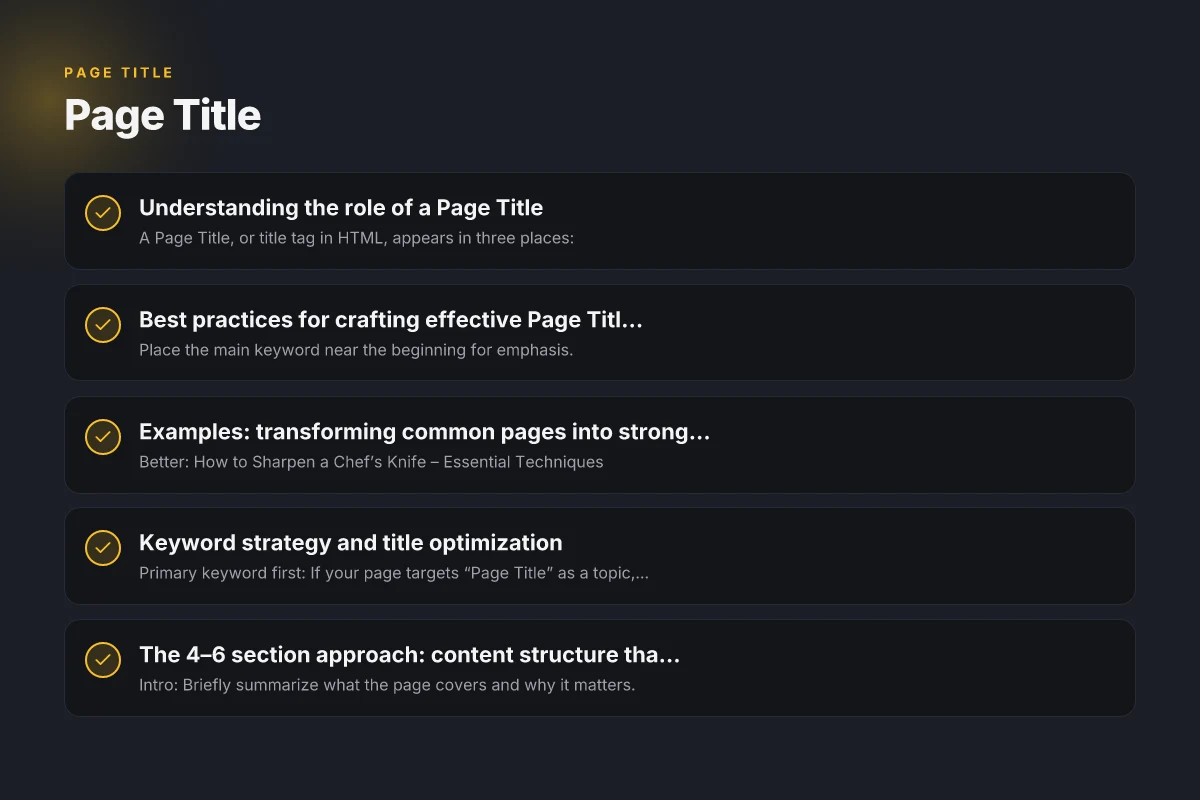
A Page Title, or title tag in HTML, appears in three places:
- In search engine results as the clickable headline
- In the browser tab, helping users identify the page among many open tabs
- On social shares, where it can determine whether someone clicks
Why it matters:
- Relevance: Search engines use the title to understand page content.
- User experience: A clear title reduces bounce rates and improves satisfaction.
- Accessibility: Screen readers announce the title to users with visual impairments.
Best practices for crafting effective Page Titles
Start with the primary keyword
- Place the main keyword near the beginning for emphasis.
- Avoid keyword stuffing. Ensure the title reads naturally.
Keep it concise
- Aim for 50–60 characters to avoid truncation in search results.
- If your brand is strong, you can include it at the end without exceeding length.
Be descriptive and specific
- State exactly what the page covers (product, service, guide, or topic).
- Use numbers, questions, or action verbs when appropriate to boost engagement.
Use branding judiciously
- Include your brand name if it adds credibility or recognition.
- Consider omitting it on category or product pages where it adds little value.
Consider user intent
- Align the title with what users are likely seeking (informational, navigational, transactional).
- For how-to or tutorial pages, use phrases like “How to” or “Guide to.”
Use a consistent structure across your site
- Decide on a template (e.g., “Main Keyword – Subtopic | Brand”) and apply it uniformly.
- Consistency helps users and search engines understand your site’s content.
Accessibility matters
- Avoid excessive punctuation. Use hyphens to separate concepts.
- Ensure readability with proper capitalization and simple language.
- Screen readers may announce the title differently. Keep it straightforward.
Examples: transforming common pages into strong titles
- Good: How to Sharpen a Chef’s Knife: Essential Techniques | KnifeMaster
- Better: How to Sharpen a Chef’s Knife – Essential Techniques
- Good: Best Running Shoes
- Better: Best Running Shoes for Overpronation in 2026 – GearGuide
Notice how the better versions place keywords up front, specify intent, and remain readable.
Best practices for crafting effective Page Titles Cathedral Quarter Businesses contd.
| Practice | What to do | Common pitfall | Recommended length | Example cue | Accessibility note |
|---|---|---|---|---|---|
| Clarity first | State page purpose clearly | Vague phrasing | 4–7 words | “How to…” | Screen reader friendly |
| Front-load keyword | Put main keyword early | Keyword stuffing | 1st 2 words | “Page Title:…” | Avoid repetition |
| Unique per page | Ensure distinct titles | Ditting similar titles | Unique | Include topic modifier | Track with CMS |
| Avoid duplication | No repeated titles | Canonical risk | Distinct across site | Use modifiers | Use slug as tie-breaker |
| Title vs. meta | Align title with meta description | Mismatch | Consistency | Match intent | Improve CTR |
| Brand policy | Include or exclude brand | Inconsistent | Follow policy | “Brand – Topic” | Document rule |
Compiled November 2026; check the provider's site for current details.
Keyword strategy and title optimization
- Primary keyword first: If your page targets “Page Title” as a topic, a sample structure could be “Page Title: How to Optimize for SEO and Accessibility.”
- Secondary keywords: Include related terms only if they fit naturally, such as “SEO,” “accessibility,” or “best practices.”
- Avoid stuffing: Each title should feel natural and informative rather than cram multiple keywords.
The 4–6 section approach: content structure that complements titles
- Intro: Briefly summarize what the page covers and why it matters.
- Section 1: Core concept (e.g., what a Page Title is and why it matters)
- Section 2: How to craft effective titles (step-by-step)
- Section 3: Common pitfalls and how to avoid them
- Section 4: Tools and templates you can use
- Section 5: Case studies or examples
- Section 6: Quick checklist for implementation
A quick comparison: title length and impact
| Length | Pros | Cons | Ideal use |
|---|---|---|---|
| 40–50 chars | High likelihood of full display in search results; concise | Limited space for nuance | Simple pages, product names, brand-focused pages |
| 51–60 chars | Balanced depth and display; common for many queries | Some results may truncate | Informational guides, tutorials |
| 61–70 chars | Adds nuance for intent and secondary keywords | More prone to truncation on mobile | Content hubs, category pages |
| 71+ chars | Rich description, very specific | Most results will truncate; risk of keyword stuffing | Long-form guides with clear subtopics |
Notes:
- If you’re unsure, default to 50–60 chars. It’s a safe zone that covers desktop and mobile displays.
- Always preview how the title appears in search results and on your site.
Common mistakes to avoid
- Misleading titles: Don’t promise content you don’t deliver.
- Over-optimization: Forcing keywords can hurt readability and trust.
- Duplicate titles: Each page should have a unique title that reflects its content.
- Ignoring intent: A title about “free” should relate to actual free offerings, not hidden costs.
How to test and refine your Page Titles
- A/B testing: Test two title versions for the same page and monitor click-through rate (CTR).
- Analytics review: Look at how pages with different titles perform in organic traffic and engagement metrics.
- CTR impact: If a title gets more clicks but higher bounce rate, refine the page content to match user expectations.
- Tooling: Use SEO plugins, Google Search Console, and analytics platforms to track impressions and performance.
Quick comparison: title length and impact
| Length category | Typical character range | Typical impact | Best use case | Examples | Notes |
|---|---|---|---|---|---|
| Short | 1–3 words | Low clarity | Very high-traffic, navigation | “News” | Mostly navigational |
| Medium | 4–7 words | Good balance | Most pages | “How to set up a budget” | Common default |
| Long | 8–12 words | High specificity | landing pages, product pages | “A complete guide to optimizing page titles for SEO” | Watch for truncation |
| Very long | >12 words | Low readability risk | Named campaigns | “Ultimate guide to…” | Likely cut by SERP |
Compiled November 2026; check the provider's site for current details. Cathedral Quarter Businesses: A Guide to the Best Shops, Restaurants, and Services
Examples of well-crafted Page Titles across scenarios
- Product page: “ErgoPulse Ergonomic Keyboard – Comfortable Typing for Long Sessions | BrandName”
- Article: “Page Title: How to Write Compelling Titles for SEO and Accessibility”
- Tutorial: “How to Optimize Your Page Titles for Better SEO and UX”
- Service landing: “SEO Copywriting Services – Expert Titles, Meta Descriptions, and Content Strategy”
Final recommendations
- Start with the main goal: Define what you want users to understand or do after seeing the title.
- Write for humans first, then adjust for search engines. A natural, informative title tends to outperform overly clever variants.
- Use a consistent structure across your site so users and search engines recognize your pattern.
- Regularly audit and refresh titles, especially during site updates, new campaigns, or shifting user intent.
- Pair titles with strong meta descriptions that complement the headline and provide a concise promise of the page content.
If you’d like, I can tailor these guidelines to your specific site, audience, and content goals. I can also generate a batch of optimized Page Titles for a list of pages or templates you provide.