softether VPN(2026)

Learn what SoftEther VPN does, how it compares with VPN services, and what to consider before using it.
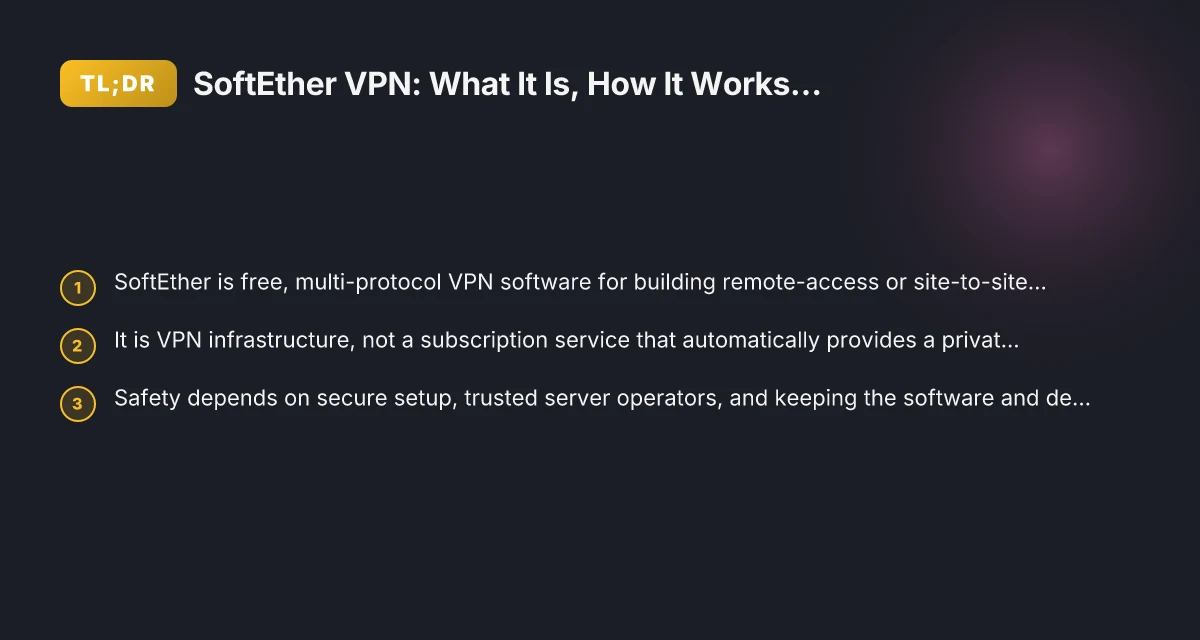
SoftEther VPN is free, multi-protocol VPN software that lets people and organizations create remote-access or site-to-site virtual private networks. It can connect devices over the internet as though they were on the same private network. Unlike a commercial VPN subscription, SoftEther does not automatically give you access to a provider’s worldwide server network: you generally need to operate a server or use one run by someone else.
SoftEther VPN vs. a commercial VPN
| Comparison | SoftEther VPN | Commercial VPN |
|---|---|---|
| What it is | VPN software for building a VPN server | Service operated by a provider |
| Server setup | Set up and manage your own server | Connect to provider-run servers |
| Server locations | Depends on servers you configure | Choose from provider’s locations |
| Protocol support | Supports multiple VPN protocols | Depends on the provider |
| Maintenance | User manages setup and upkeep | Provider manages the service |
| Privacy responsibility | User assesses server and network privacy | User assesses provider’s privacy practices |
| Typical use | Remote access or a self-managed VPN | Convenient internet privacy and location choice |
| Cost model | Software is free; hosting may have a cost | Often subscription-based |
Compiled November 2026; check the provider's site for current details.
| VPN | Obfuscation | From / month | Plan | Free plan | Refund | Alipay | UnionPay | Crypto | Website opens in China | Trustpilot | |
|---|---|---|---|---|---|---|---|---|---|---|---|
 ZoogVPN | Turn on manually Shadow | $2.49/mo | 27 months: $59.99 | Yes | 7 days | ✓ | ✓ | ✓ | ✓ | Official site blocked; our special link opens (4.4 s) | 4.2/5 (195 reviews) |
 NordVPN | Turn on manually Obfuscated Servers / NordWhisper | $3.49/mo | 27 months: $94.23 | No | 30 days | ? | ✗ | ✓ | ✓ | ✗ Blocked | 4.2/5 (51,628 reviews) |
 ExpressVPN | ✓ On by default all servers | $3.00/mo | 28 months: $84 | No | 30 days | ✗ | ✗ | ✓ | ✗ | ✗ Blocked | 4.4/5 (29,706 reviews) |
 Surfshark | ✓ On by default Camouflage, with OpenVPN | See site | See site | No | 30 days | ✗ | ✗ | ✗ | ✓ | ✗ Blocked | 4.3/5 (31,823 reviews) |
 Proton VPN | Turn on manually Stealth, free plan too | $2.99/mo | 12 months: $35.88 | Yes | 30 days | ✗ | ✗ | ✗ | ✓ | ✗ Blocked | 2.1/5 (1,040 reviews) |
 Astrill VPN | Turn on manually StealthVPN / OpenWeb | $12.50/mo | 24 months: $300 | No | See site | ✗ | ✗ | ✗ | ✓ | ✗ Blocked | 1.3/5 (110 reviews) |
 Private Internet Access | Turn on manually Shadowsocks, OpenVPN only | $2.03/mo | 40 months: $81.2 | No | 30 days | ✗ | ✗ | ✗ | ✗ | ✗ Blocked | 4.2/5 (11,033 reviews) |
 CyberGhost | Turn on manually selected servers | $2.19/mo | 28 months: $61.32 | No | 45 days | ✗ | ✗ | ✗ | ✓ | ✗ Blocked | 4.0/5 (24,178 reviews) |
 PureVPN | Turn on manually switch to OpenVPN | $1.69/mo | 60 months: $101.55 | No | 31 days | ? | ? | ✗ | ✓ | ✗ Blocked | 4.4/5 (17,994 reviews) |
 AdGuard VPN | ✓ On by default TrustTunnel | $2.99/mo | 24 months: $71.76 | Yes | 30 days | ✓ | ✗ | ✓ | ✓ | Official site blocked; our special link opens (3.7 s) | 4.3/5 (290 reviews) |
 Mullvad | Turn on manually QUIC / Shadowsocks / LWO | $5.61/mo | €5/mo | No | 14 days | ✗ | ✗ | ✗ | ✓ | ✗ Blocked | 3.2/5 (192 reviews) |
 Windscribe | Turn on manually Stealth / WStunnel | $5.75/mo | 12 months: $69 | Yes | See site | ✗ | ✗ | ✗ | ✓ | ✗ Blocked | 4.7/5 (13,355 reviews) |
 StrongVPN | Turn on manually Scramble, OpenVPN TCP | See site | See site | No | 30 days | ✓ | ✗ | ✗ | ✗ | ✗ Blocked | 4.4/5 (2,695 reviews) |
 LightXtreme 闪连 | Not listed | $7.08/mo | 12 months: $84.99 | Yes | 30 days | ✓ | ✓ | ✓ | ✓ | ✓ Yes (3.5 s) | No page |
Prices checked 2026-11-10 on each vendor's pricing page (cheapest long plan, USD). Check the vendor's checkout for the final price.
Obfuscation checked 2026-11-14 on each vendor's site and help center: "on by default" = nothing to set; "turn on manually" = switch protocol or mode in settings; "not listed" = the vendor describes no obfuscation.
Payment methods checked 2026-11-10 on each vendor's payment pages: all 14 take cards and PayPal; ✗ = not listed, ? = the vendor's own pages disagree.
China access: whether the official website opens from mainland China networks (tests the website only, not the VPN connection). Last checked 2026-11-18 01:02 Beijing time.
Trustpilot score and review count checked 2026-11-10.
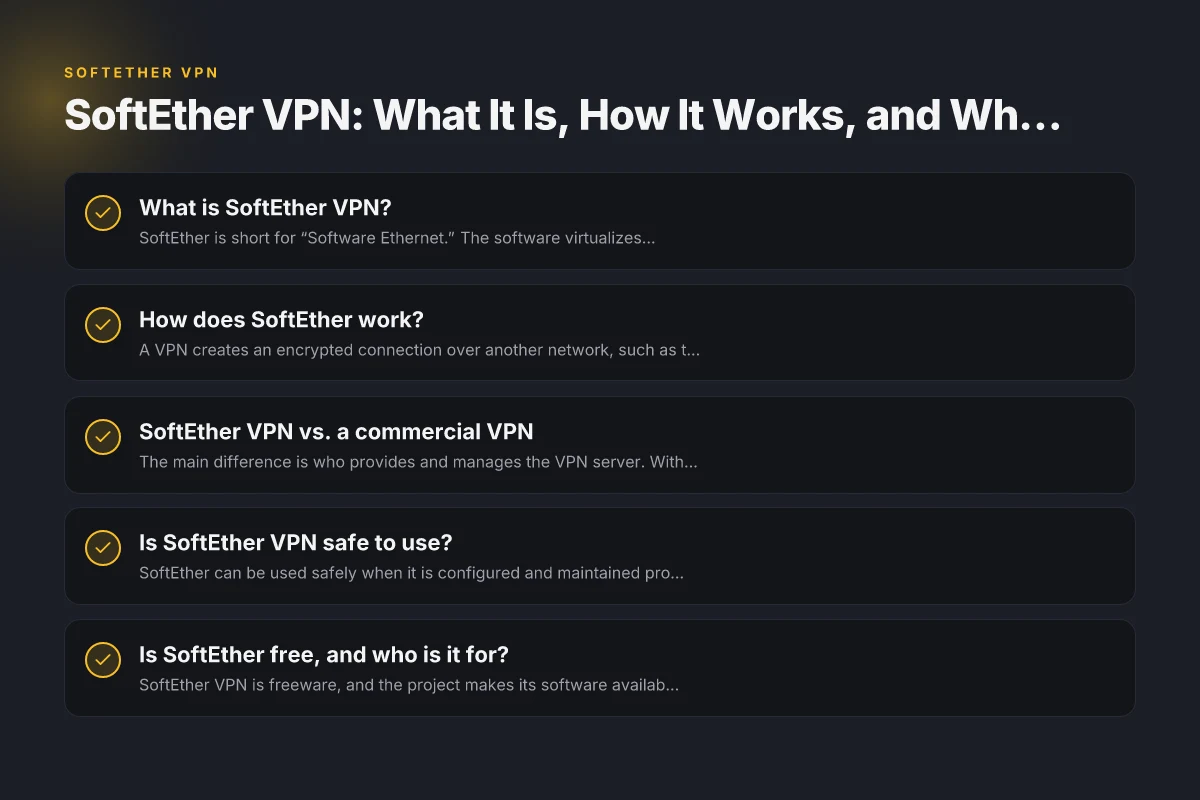
What is SoftEther VPN?
SoftEther is short for “Software Ethernet.” The software virtualizes Ethernet devices to support flexible VPN connections, including remote access for individual users and links between networks at different locations. It is developed as an open-source project and is described by its project as a multi-protocol VPN solution.
In practical terms, SoftEther can help you:
- Connect to a home or workplace network while away.
- Link two or more private networks.
- Set up VPN access for a group of users.
- Experiment with VPN technology on a server you control.
SoftEther is software for creating and managing VPN connections. It is not the same thing as a consumer VPN app that, once installed, routes your traffic through a provider’s servers.
How does SoftEther work?
A VPN creates an encrypted connection over another network, such as the public internet. With SoftEther, an administrator configures a VPN server and connection settings. A client device then connects to that server, allowing traffic to travel through the VPN. proton VPN free(2026)
The details depend on how the server is set up and what you are trying to access. For example, a remote worker might connect to a company network, while a household user might connect to a server on a home network. In either case, the server’s configuration determines what resources are reachable and how traffic is handled.
SoftEther’s multi-protocol design is intended to provide compatibility with different devices and VPN setups. That flexibility can be useful, but it also means the software may require more technical configuration than a typical consumer VPN app.
Is SoftEther VPN a good fit for you?
| User situation | Fit | Main consideration | Alternative to consider |
|---|---|---|---|
| Wants to build a VPN server | Good fit | Requires setup and ongoing management | Commercial VPN |
| Wants remote access to a private network | Good fit | Configure the server and clients | Commercial remote-access service |
| Wants a ready-to-use VPN | Poor fit | SoftEther is software, not a provider service | Commercial VPN |
| Wants a broad choice of server locations | Depends | Locations depend on servers you configure | Commercial VPN |
| Is comfortable managing network software | Good fit | Plan for configuration and maintenance | Managed VPN service |
| Wants someone else to operate the servers | Poor fit | A self-hosted setup puts management on the user | Commercial VPN |
| Needs to assess privacy risks | Depends | Trust depends on the server and its operator | Evaluate provider policies |
Compiled November 2026; check the provider's site for current details. urban VPN extension(2026)
SoftEther VPN vs. a commercial VPN
The main difference is who provides and manages the VPN server. With SoftEther, you or another operator are responsible for the server. With a commercial VPN service, the provider typically supplies an app and access to its own network.
| Feature | SoftEther VPN | Commercial VPN service |
|---|---|---|
| Main purpose | Build or access a VPN you or another operator manages | Route your traffic through a provider’s VPN network |
| Server access | Requires a server you control or a third-party server | Usually included with a subscription or account |
| Setup | May involve server administration and client configuration | Often designed for straightforward app-based use |
| Control | Greater control when you manage the server | Provider controls the infrastructure |
| Privacy considerations | Depends on your setup and the server operator | Depends on the provider’s policies and practices |
Neither option is automatically best for everyone. SoftEther may suit people who want to build a private network and can manage the technical details. A commercial service may be more convenient if your goal is to connect through a provider’s VPN servers without maintaining your own.
Is SoftEther VPN safe to use?
SoftEther can be used safely when it is configured and maintained properly, but installing VPN software alone does not guarantee privacy or security. The safety of a connection depends on more than the software: it also depends on the server, its administrator, account security, and the devices at both ends.
Consider these points before connecting: NordVPN login(2026)
- Know who operates the server. A server administrator may be able to observe or log information about connections. Use a server you control or an operator you trust.
- Secure the server. Keep the software and operating system updated, restrict administrative access, and use strong authentication.
- Protect client devices. A VPN cannot protect a device that is already compromised or make unsafe websites trustworthy.
- Check the configuration. Confirm what traffic goes through the VPN and what network resources the connection exposes.
- Understand the privacy trade-off. A VPN changes which network operator can see certain aspects of your connection. It does not make you anonymous.
If you are considering a public or volunteer-run server, review who operates it and what you are comfortable routing through it. Do not assume that a VPN server is trustworthy simply because it is easy to connect to.
Is SoftEther free, and who is it for?
SoftEther VPN is freeware, and the project makes its software available for download. Free software does not necessarily mean that every part of running a VPN has no cost: you may still need a computer or server, internet access, and time to configure and maintain the system.
SoftEther is most likely to fit users who:
- Want to create a VPN for a home, lab, or organization.
- Have access to a server and understand basic network administration.
- Need a flexible solution for remote access or connecting locations.
- Are prepared to manage security updates and configuration.
It may be less suitable if you want a simple app that provides an established network of VPN locations without server administration. In that case, compare consumer VPN services carefully and assess their privacy and security claims rather than assuming any one is “the safest.” forticlient VPN(2026)
SoftEther VPN setup and safety checklist
| Step or check | What to do | Why it matters | Ready when |
|---|---|---|---|
| Choose a server | Select a machine you control or trust | The server operator affects privacy | You know who manages it |
| Install SoftEther | Get the software from its official source | Helps avoid untrusted downloads | The software is installed |
| Configure access | Set up the server and client connection | A working connection needs both sides configured | Your client connects |
| Protect credentials | Use strong, unique credentials | Helps prevent unauthorized access | Credentials are not reused |
| Review exposure | Check which services and ports are accessible | Unneeded exposure can increase risk | Only required access is available |
| Maintain the setup | Apply updates and review configuration | Ongoing upkeep is part of self-hosting | Maintenance is planned |
| Test your needs | Confirm access, privacy expectations, and performance | A VPN may not meet every use case | It works for your intended use |
Compiled November 2026; check the provider's site for current details.
How to get started
Start by identifying your goal. Connecting to your own network is different from routing everyday internet traffic through a third-party server, and the right configuration depends on that distinction.
A sensible first checklist is: forticlientVPNinstaller.exe(2026)
- Read the official SoftEther VPN Project documentation and download the software from a source you trust.
- Decide where the VPN server will run and who will administer it.
- Configure access carefully, using strong credentials and limiting permissions to what users need.
- Test the connection and confirm which devices and network resources are reachable.
- Keep the server and clients updated, and review access when users or requirements change.
Avoid exposing administrative services unnecessarily. If you are unfamiliar with server security, get help from someone with network administration experience before making a server accessible over the internet.
Recommendation
SoftEther VPN is a capable free option for people who want to build or manage a private VPN and are comfortable with the responsibility that comes with running one. Choose it for control and flexibility, not as a plug-and-play replacement for a commercial VPN subscription. For any setup, trust the server operator, secure the devices, and maintain the software.