successful web search strategies(2026)

Master effective web search strategies to find accurate, relevant results quickly.
The web is sprawling, but you can find what you need quickly by following a set of proven search strategies. This article covers how to plan your search, choose the right tools, and assess results with a critical eye. Whether you’re researching for work, school, or personal curiosity, these techniques help you move from vague queries to precise, trustworthy answers.
Table comparing goals and keywords alignment
| Goal | Keywords to use | Source type | Notes |
|---|---|---|---|
| Define clear goal | concise keywords | user intent | yes |
| Align search with task | main terms | topic scope | yes |
| Prioritize actions | action verbs | outcomes | yes |
| Avoid scope creep | limiting terms | filters | yes |
Compiled November 2026; check the provider's site for current details.
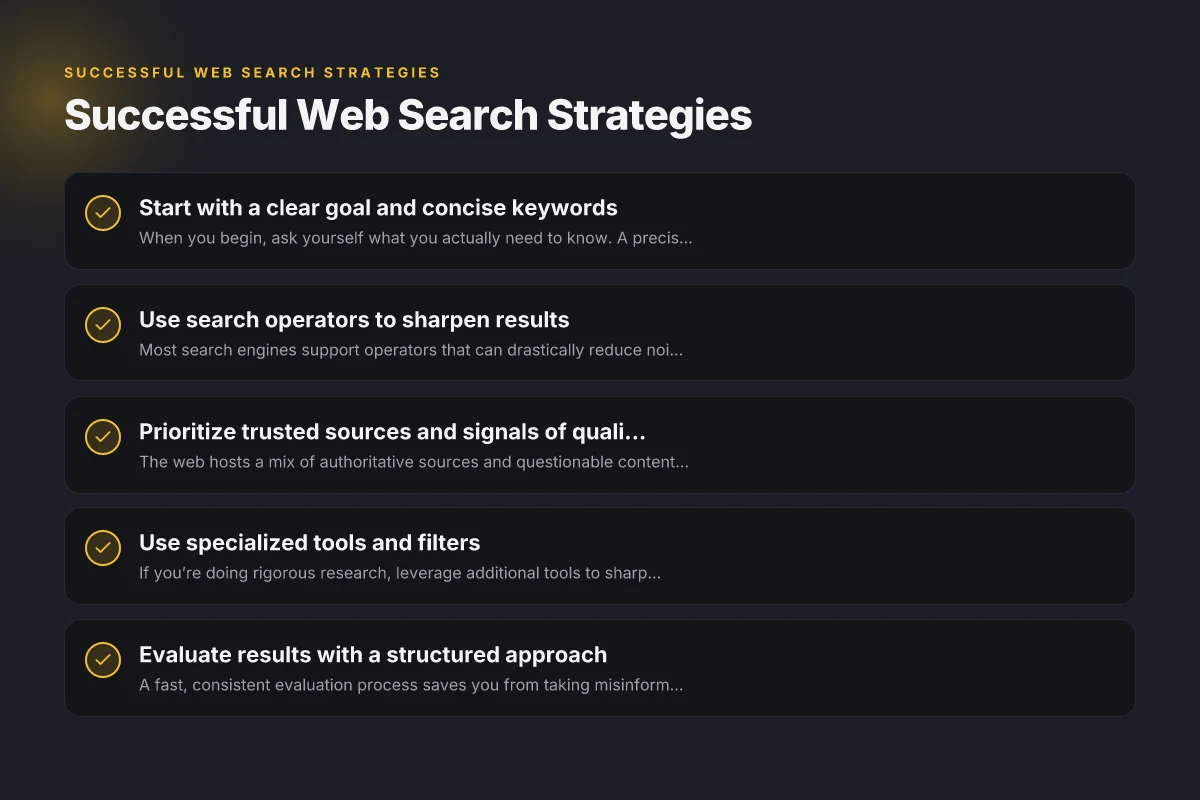
Start with a clear goal and concise keywords
When you begin, ask yourself what you actually need to know. A precise goal keeps you from chasing irrelevant pages and saves time.
- Write a one-sentence goal: What decision will this information support?
- Break the goal into a few core keywords or phrases.
- Anticipate synonyms, acronyms, or related terms you might encounter.
Examples
- Goal: “I need evidence of how to implement a 3-tier testing strategy in Agile software projects.” Keywords: “3-tier testing,” “3-tier testing strategy,” “Agile testing.”
- Goal: “I want the latest statistics on renewable energy adoption in 2024.” Keywords: “renewable energy adoption 2024,” “2024 renewable energy statistics.”
Use search operators to sharpen results
Most search engines support operators that can drastically reduce noise. Start with a few basics and expand as needed.
- Quotation marks “ ” for exact phrases: search for the exact sequence of words.
- Minus sign - to exclude terms: filter out unrelated topics.
- site: restrict results to a domain: focus on.gov,.edu, or company sites for credibility.
- filetype: to target documents (PDF, DOCX, PPT): ideal for research papers or reports.
- OR and AND: combine terms to widen or narrow results.
- intitle: or inurl: focus on title or URL content for stronger relevance.
Quick operator examples
- “climate change mitigation” AND policy
- site:.edu “machine learning governance”
- filetype:pdf “annual report” energy
Table comparing search operators and sharpening results
| Operator / Tool | Purpose | Example | Effect on results | Best use case |
|---|---|---|---|---|
| Quotation marks "" | exact phrase | "best practices for web search" | narrower | when phrase matters |
| Minus - | exclude terms | AI -robot | reduces noise | avoid irrelevant topics |
| site: | restrict domain | site:edu | trusted domains | academic research |
| filetype: | restrict file type | filetype:pdf | specific formats | reports & whitepapers |
| OR | broaden results | search OR lookup | wider results | when alternatives needed |
| wildcard * | flexible terms | learn * search | expand matches | exploring variants |
Compiled November 2026; check the provider's site for current details. swbcf main frame(2026)
Prioritize trusted sources and signals of quality
The web hosts a mix of authoritative sources and questionable content. Build trust by weighing signals such as:
- Publication venue: peer-reviewed journals, government reports, university sites, established media.
- Author credentials and contact information.
- Timeliness: check dates to ensure information is up to date.
- Citations and references: look for bibliographies or data sources.
- Objective tone: beware overt persuasion or hidden sponsorships.
Quick credibility checklist
- Is the author clearly identified?
- Are there cited data sources or links to evidence?
- Has the page been updated recently?
- Do other reputable sites corroborate the information?
Use specialized tools and filters
If you’re doing rigorous research, leverage additional tools to sharpen results.
- Google Scholar for academic literature, patents, and citations.
- News aggregators or RSS feeds to monitor developing stories.
- Archive and versioned sources (Wayback Machine) to verify historical claims.
- News-specific operators: in the news tab, filter by time range to catch current developments.
When to use which tool
- Academic research: Google Scholar, JSTOR, arXiv.
- Current events: Google News, Reuters, BBC, AP.
- Data and statistics: government portals, World Bank, OECD data portals.
- Patents and tech: Google Patents, USPTO, WIPO.
Evaluate results with a structured approach
A fast, consistent evaluation process saves you from taking misinformation at face value.
- Scan for relevance in the first few results. Don’t assume the first hit is best.
- Check multiple sources for consistency on key facts.
- Compare data points (numbers, dates, policies) across sources.
- Be wary of cherry-picked data or sensational headlines.
- If information seems surprising, seek corroboration before relying on it.
A simple five-point evaluation
- Relevance to your goal
- Source authority
- Evidence and data quality
- Timeliness
- Cross-source confirmation
Compare with a decision matrix
When you have several credible options or sets of results, a quick matrix helps decide which to trust and use. youth programme(2026)
| Criterion | Source A | Source B | Source C |
|---|---|---|---|
| Relevance to goal | High / Medium / Low | High / Medium / Low | High / Medium / Low |
| Authority | Clear author, affiliation | Some credentials | Anonymous or unclear |
| Evidence | Data-backed, citations | Some data, fewer citations | Lacks data |
| Timeliness | Updated recently | Older, but still relevant | Outdated |
| Consistency | Aligns with other sources | Has some conflicting data | Major discrepancies |
- Rate each source on a 1–5 scale for each criterion.
- Tally scores to identify the most trustworthy option.
- Use the top-scoring sources for your final synthesis.
Refine your search workflow with bookmarking and notes
A growing body of findings benefits from organization and retrieval discipline.
- Create a minimal library of reliable sources for your topic.
- Save search queries that consistently yield useful results.
- Add notes on key facts, caveats, and data points.
- Tag sources by topic, date, and credibility level to speed up future updates.
A practical workflow
- Perform a broad search with a few core keywords.
- Open 5–8 promising results and skim for relevance.
- Save 2–3 high-quality sources and append notes.
- Build your synthesis from these sources and verify any critical claims with additional checks.
When results raise questions, verify before using
Even credible sources can misstate details. Verification reduces risk.
- Cross-check critical figures (percentages, dates, names) against primary sources.
- Look for official documentation, reports, or datasets to support claims.
- Be cautious of iterative claims that rely on a single study or anecdotal evidence.
- If possible, contact the source or subject matter experts for clarification.
Signals that warrant extra care
- Conflicting figures across reputable outlets
- A lack of primary data behind a claim
- Information that appears to be promotional rather than informational
- Rapidly changing topics without updated sources
Table evaluating quality signals and sources
| Source signal | What it indicates | How to verify | Yes/No | Example |
|---|---|---|---|---|
| Author expertise | trustworthiness | author bio | yes | expert author |
| Domain authority | site credibility | MOZ/Ahrefs score | yes | high domain score |
| Publication date | currency | timestamp | yes | recent year |
| Citations / references | evidence support | check references | yes | peer-reviewed |
| Primary vs secondary | depth of info | source type | yes | primary study |
| Ads & sponsorship | potential bias | disclosure | yes | disclosures present |
Compiled November 2026; check the provider's site for current details. contents frame(2026)
Short final recommendation
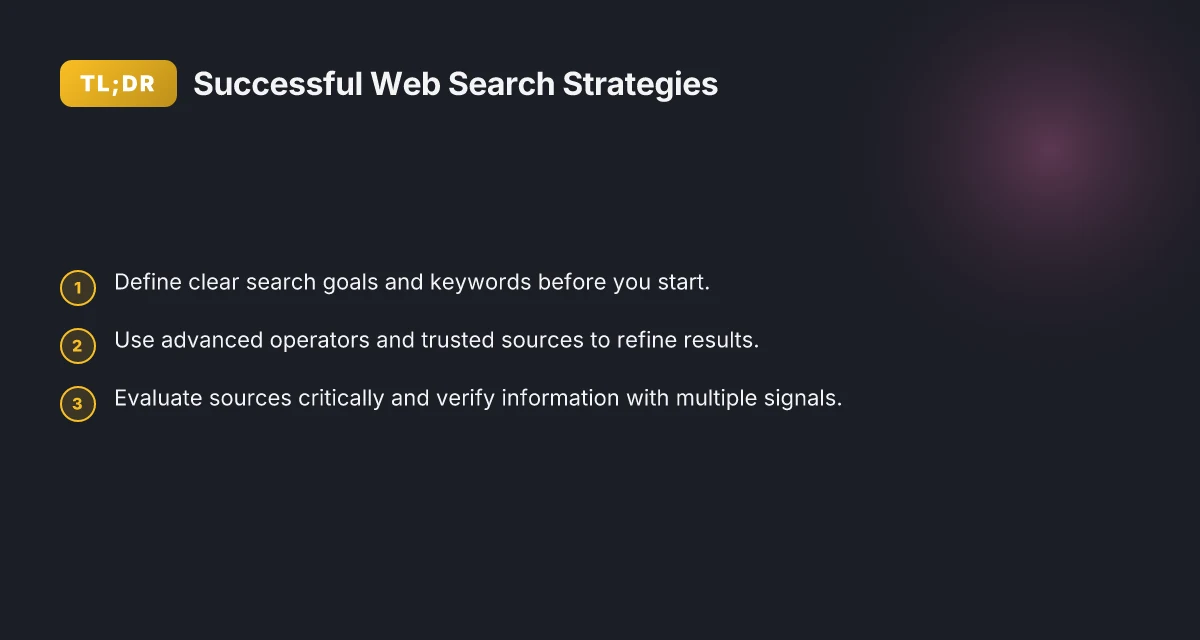
Successful web search strategies hinge on clarity, structure, and critical evaluation. Start with a precise goal and keyword set, use advanced operators to prune results, and rely on trusted sources. Employ a consistent evaluation framework and decision matrix to compare options, and keep your findings organized with bookmarks and notes. By following these steps, you’ll turn a sprawling web landscape into a navigable map that delivers accurate, actionable answers quickly. If you want a practical starter kit, begin with a focused goal, a list of 6–8 core keywords, and a habit of verifying key facts across at least two credible sources.