Training course Introduction to ICT
A comprehensive overview of an Introduction to ICT course, covering goals, structure, skills gained, and how to choose the right program.
An Introduction to ICT (Information and Communication Technology) is a foundational course designed to give learners the essential knowledge and skills needed to operate, understand, and navigate today’s digital world. Whether you’re a student, a professional seeking upskilling, or someone exploring a potential career in tech, this course helps you build a strong base from which to grow.
Comparison of course structure and modules
| Module / Topic | Core content | Practical components | Assessment type | Typical duration | Notes |
|---|---|---|---|---|---|
| ICT fundamentals | Yes | Quiz + reading | Online test | 2–4 hours | Foundations only |
| Networking basics | Yes | Lab activities | Quiz + lab report | 3–5 hours | Include hands-on practice |
| Digital literacy | Yes | Activities | Quiz | 1–2 hours | Broad audience focus |
| Data concepts | Yes | Case studies | Assignment | 2–3 hours | Basic data handling |
| Cyber safety | Yes | Scenarios | Quiz | 1–2 hours | Practical safety tips |
| Cloud concepts | Yes | Mini-project | Project submission | 2–4 hours | Intro level |
Compiled November 2026; check the provider's site for current details.
What is ICT and why it matters
ICT combines information technology (IT) and communications to equip individuals with the tools to collect, process, store, and share information electronically. In everyday life, ICT influences how we learn, work, and stay connected. In the job market, relevant ICT skills are increasingly required across roles, from administrative tasks to software development and data analysis.
Core areas typically covered
- Computer fundamentals: hardware components, operating systems, and basic troubleshooting
- Software basics: word processing, spreadsheets, presentations, email, and collaboration tools
- Internet and networking: browsers, search strategies, online safety, and basic networking concepts
- Digital literacy: evaluating information, data privacy, and responsible online conduct
- Problem-solving with technology: applying ICT to real-world tasks
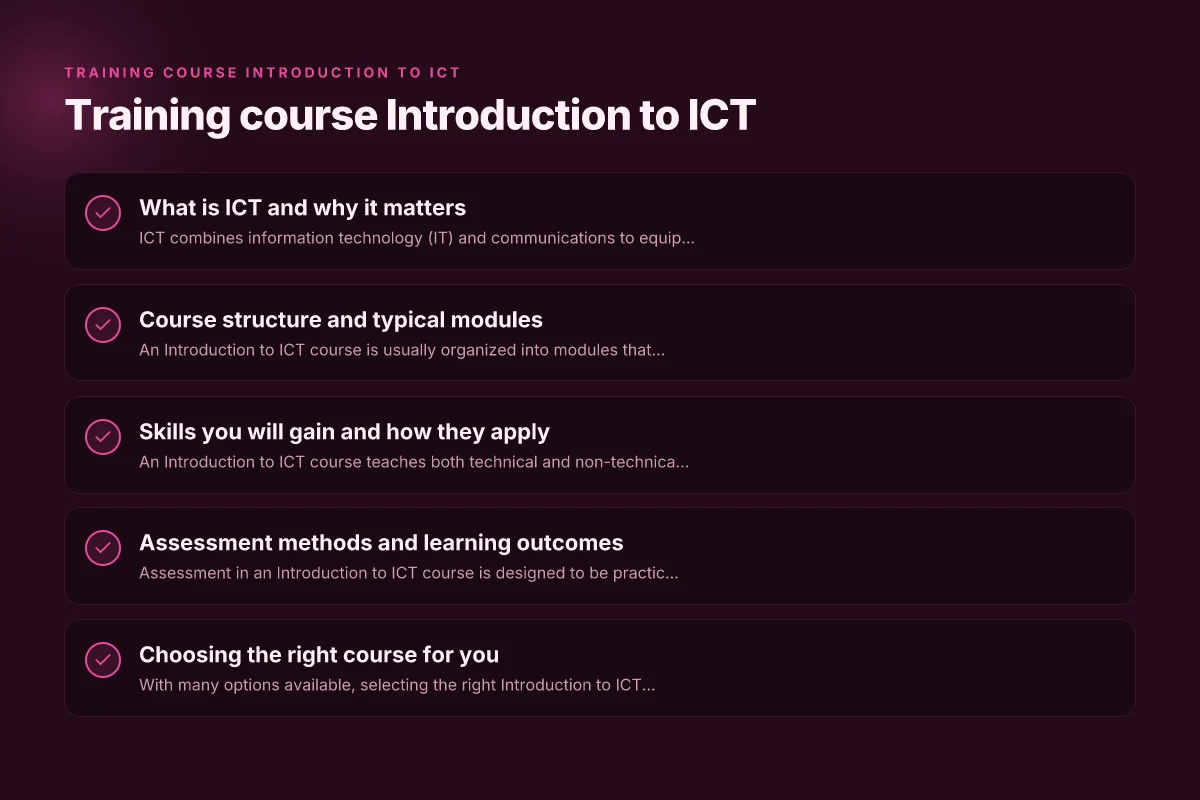
Course structure and typical modules
An Introduction to ICT course is usually organized into modules that progress from basic to more applied topics. The pace and depth can vary, but most courses share common components to ensure a well-rounded understanding.
Common module sequence
- Orientation and ICT fundamentals
- Computer hardware and operating systems
- Word processing and office productivity
- Spreadsheets and data basics
- Presentations and communication tools
- Internet safety, ethics, and digital citizenship
- Introduction to databases and basic data concepts
- Basic troubleshooting and assistance resources
Practical projects you might encounter
- Create and format a multi-page document with references
- Build a simple budget in a spreadsheet with formulas
- Design a slide deck for a presentation on a chosen topic
- Set up a basic email account and organize contacts and calendars
- Conduct a search using credible sources and evaluate information
Skills you will gain and how they apply
An Introduction to ICT course teaches both technical and non-technical skills that are essential in modern workplaces.
- Technical literacy: comfortable using computers, software, and online tools
- Digital communication: emails, messages, video calls, and collaborative platforms
- Information assessment: discerning credible sources, avoiding misinformation
- Data handling basics: organizing data, simple calculations, and basic data interpretation
- Problem-solving with technology: choosing appropriate tools to complete tasks
- Online safety and ethics: password hygiene, privacy awareness, and respectful conduct
Soft skills reinforced
- Focus and attention to detail
- Time management through completing assignments
- Communication clarity in written and digital form
- Collaboration using shared documents and online spaces
Quick features for comparing online intro ICT courses Belfast Together: Building Community, Culture, and Resilience
| Course name | Access model | Duration | Certificate | Cost | Interaction level |
|---|---|---|---|---|---|
| Course A | Open access | Short | Yes | Free / low | Self-paced |
| Course B | Registration required | Medium | Yes | Paid | Moderately interactive |
| Course C | Free trial | Short to medium | Yes | Free | High interaction |
| Course D | Paid access | Medium | Yes | Paid | Mixed |
| Course E | Free | Short | No | Free | Minimal |
Compiled November 2026; check the provider's site for current details.
Assessment methods and learning outcomes
Assessment in an Introduction to ICT course is designed to be practical, relevant, and accessible to learners with diverse backgrounds.
- Quizzes to test vocabulary and concept understanding
- Hands-on assignments using common software
- Short projects that simulate real-world tasks
- Participation in online discussions or group work
- End-of-module reviews and reflective journals
Typical learning outcomes
- Demonstrate basic proficiency with word processors, spreadsheets, and presentation software
- Navigate the internet safely and locate reliable information
- Explain fundamental hardware and software concepts
- Apply basic data handling and simple analytical thinking
- Recognize ethical and privacy considerations in digital environments
Choosing the right course for you
With many options available, selecting the right Introduction to ICT course depends on your goals, budget, and learning style. Here are some practical tips to guide your choice.
- Delivery mode: in-person, online, or blended formats
- Level of support: self-paced vs. instructor-led, access to tutors
- Curriculum breadth: some courses focus on fundamentals, others include broader IT topics
- Certification and recognition: check if the course offers a certificate or formal accreditation
- Hands-on opportunities: look for projects, labs, or simulated environments
- Cost and time commitment: ensure it fits your schedule and budget
How to evaluate a course listing
- Read the syllabus or module outline to confirm topics covered
- Review learning outcomes and alignment with your goals
- Check learner reviews or testimonials for insight into difficulty and support
- Verify practical components, such as software access and exercise files
- Confirm any prerequisites, even if minimal like basic computer familiarity
A quick comparison: online intro ICT courses
Here is a simple table to compare common features you might see in online Introduction to ICT courses. This can help you quickly assess options. Contacts: A Practical Guide to Managing Your Network and Communication
| Feature | Course A | Course B | Course C |
|---|---|---|---|
| Delivery | Online self-paced | Online instructor-led | Hybrid (online + optional in-person) |
| Duration | 4–6 weeks | 6–8 weeks | 8–12 weeks |
| Core software covered | Word, Excel, PowerPoint | Word, Excel, PowerPoint, Google Workspace | Word, Excel, PowerPoint, basic databases |
| Assessments | Quizzes + 3 projects | Quizzes + 5 projects + peer review | Quizzes + 4 projects + capstone |
| Certification | Certificate of completion | Accredited certificate | Digital badge + certificate |
| Support | Email support, FAQs | Live tutoring sessions | Community forums, office hours |
Assessment methods and outcomes alignment
| Assessment method | Frequency | Skills tested | Feedback type | Learning outcomes supported | Examples |
|---|---|---|---|---|---|
| Quizzes | Regular | Recall, understanding | Automated feedback | Knowledge checks | Multiple-choice questions |
| Assignments | Occasionally | Analysis, application | Tutor feedback | Applied skills | Short report, reflection |
| Labs / practicals | Often | Hands-on, procedures | Instructor comments | Technical proficiency | Virtual lab tasks |
| Projects | End of module | Synthesis, integration | Rubric feedback | Capstone skills | Mini project |
| Peer review | Optional | Collaboration, critique | Peer notes | Communication, quality standards | Peer feedback rounds |
Compiled November 2026; check the provider's site for current details.
Practical tips to get the most from your course
- Set a regular study schedule and stick to it to build consistency
- Start with the basics and reinforce them with hands-on practice
- Take advantage of any available resources, such as tutorials, forums, and help desks
- Work on small, real-life tasks to apply what you learn
- Reflect on what you learned after each module and note areas for improvement
- Seek feedback from peers or instructors to identify gaps and strengthen skills
What to do after finishing the course
- Practice regularly: build a personal project or volunteer for a small task at work
- Update your resume or LinkedIn with the new ICT skills and any projects
- Consider advanced courses to expand into areas like data literacy, cybersecurity basics, or programming fundamentals
- Join online communities to keep learning and stay informed about technology trends
The right recommendation for different audiences
- Students new to ICT: Start with a basic Introduction to ICT course to build confidence and core skills that will support future studies in STEM or business programs.
- Career switchers: Choose a course with clear outcomes, practical projects, and a certificate to demonstrate employability in roles like administrative support, data entry, or IT help desk.
- Working professionals: Look for courses that offer hands-on exercises with modern tools and that can be completed alongside a busy schedule. Consider micro-credentials or digital badges for quick advancement.
- Employers and educators: Use this course as a foundation for a broader curriculum that can be extended with modules on cybersecurity awareness, cloud basics, or data management to align with organizational needs.
Final recommendation An Introduction to ICT course is a practical and accessible entry point into the digital world. It equips you with essential literacy, fosters confidence with everyday technology, and lays a solid foundation for more advanced IT skills. If you’re starting from scratch or looking to refresh your digital dexterity, this type of course is typically the best first step. Look for a program with clear learning outcomes, ample hands-on practice, supportive guidance, and a certificate that aligns with your career goals. After completion, build on your momentum with targeted, higher-level ICT courses that align with the specific skills or industry you want to pursue.