VPN extension edge free(2026)
Find out how free VPN extensions work in Edge, what to check before installing one, and how to choose a suitable option.
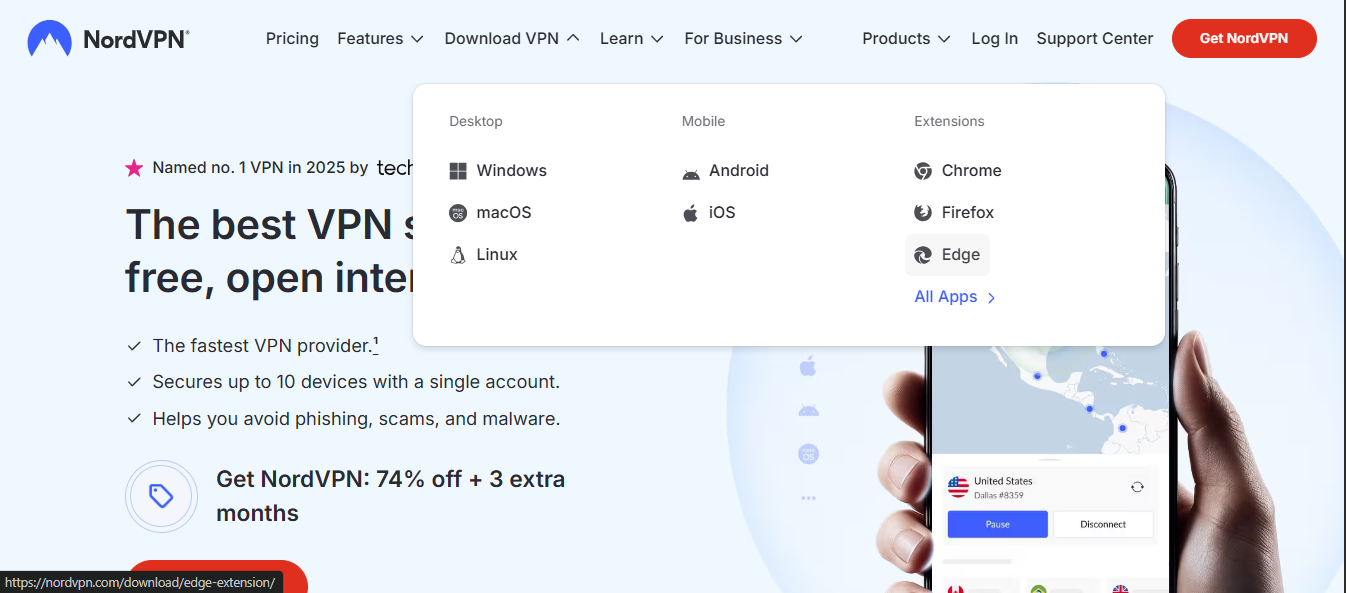
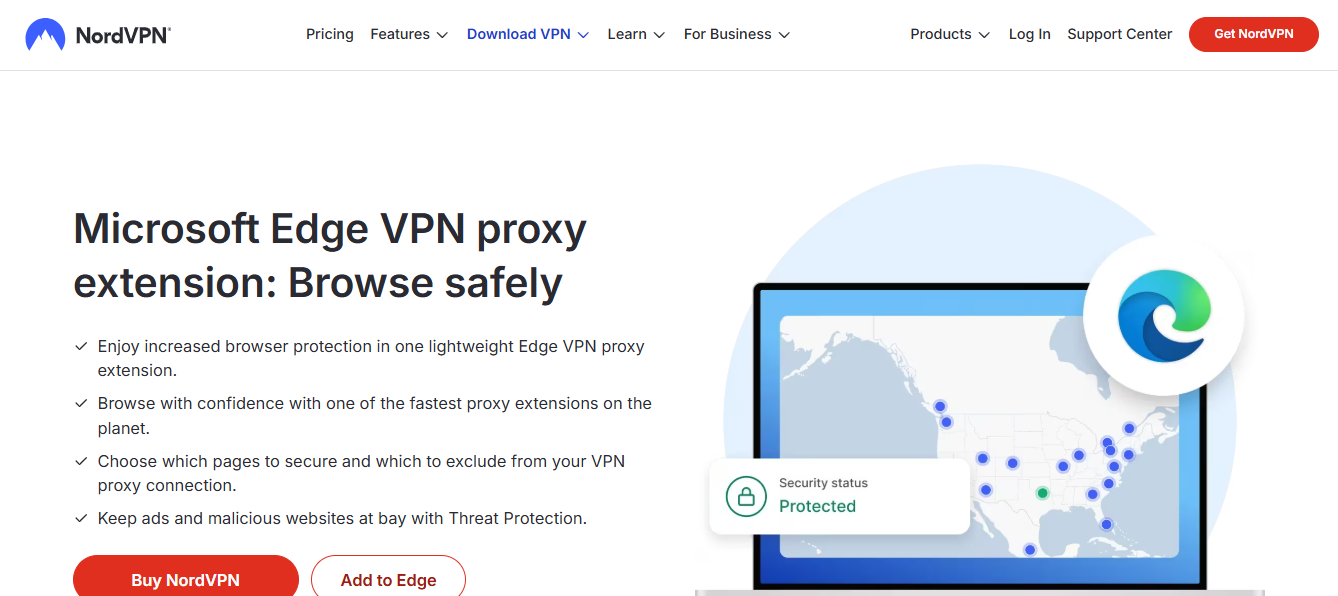
A free VPN extension for Microsoft Edge can help route browser traffic through a VPN server and change the IP address websites see. Options listed in search results include VeePN, Browsec VPN, VuzeVPN, and FreeVPNPlanet. Edge does not provide a built-in free VPN, so you need to choose and install an extension yourself. Before you do, check what the extension protects, how it handles your data, and whether its free plan suits your needs.
Comparison of free VPN extensions available for Microsoft Edge
| Option | Free access | Edge support | Free-plan limits | Best for |
|---|---|---|---|---|
| Microsoft Edge built-in VPN | No standalone VPN | No | Not a general VPN service | Browser privacy features |
| Browser VPN extension | Often | Check the Edge Add-ons store | Varies by provider | Browser traffic |
| VPN provider’s Edge extension | Sometimes | Check provider compatibility | May require an account or paid plan | Existing subscribers |
| VPN desktop app | Sometimes | Works alongside Edge | Free plans may limit data or locations | Device-wide protection |
| Proxy extension | Sometimes | Often available | May not encrypt traffic | Changing browser location |
| Free VPN service | Yes, with limits | May offer an Edge extension | Limits vary | Occasional use |
Compiled November 2026; check the provider's site for current details.
| VPN | Obfuscation | From / month | Plan | Free plan | Refund | Alipay | UnionPay | Crypto | Website opens in China | Trustpilot | |
|---|---|---|---|---|---|---|---|---|---|---|---|
 ZoogVPN | Turn on manually Shadow | $2.49/mo | 27 months: $59.99 | Yes | 7 days | ✓ | ✓ | ✓ | ✓ | Official site blocked; our special link opens (4.4 s) | 4.2/5 (195 reviews) |
 NordVPN | Turn on manually Obfuscated Servers / NordWhisper | $3.49/mo | 27 months: $94.23 | No | 30 days | ? | ✗ | ✓ | ✓ | ✗ Blocked | 4.2/5 (51,628 reviews) |
 ExpressVPN | ✓ On by default all servers | $3.00/mo | 28 months: $84 | No | 30 days | ✗ | ✗ | ✓ | ✗ | ✗ Blocked | 4.4/5 (29,706 reviews) |
 Surfshark | ✓ On by default Camouflage, with OpenVPN | See site | See site | No | 30 days | ✗ | ✗ | ✗ | ✓ | ✗ Blocked | 4.3/5 (31,823 reviews) |
 Proton VPN | Turn on manually Stealth, free plan too | $2.99/mo | 12 months: $35.88 | Yes | 30 days | ✗ | ✗ | ✗ | ✓ | ✗ Blocked | 2.1/5 (1,040 reviews) |
 Astrill VPN | Turn on manually StealthVPN / OpenWeb | $12.50/mo | 24 months: $300 | No | See site | ✗ | ✗ | ✗ | ✓ | ✗ Blocked | 1.3/5 (110 reviews) |
 Private Internet Access | Turn on manually Shadowsocks, OpenVPN only | $2.03/mo | 40 months: $81.2 | No | 30 days | ✗ | ✗ | ✗ | ✗ | ✗ Blocked | 4.2/5 (11,033 reviews) |
 CyberGhost | Turn on manually selected servers | $2.19/mo | 28 months: $61.32 | No | 45 days | ✗ | ✗ | ✗ | ✓ | ✗ Blocked | 4.0/5 (24,178 reviews) |
 PureVPN | Turn on manually switch to OpenVPN | $1.69/mo | 60 months: $101.55 | No | 31 days | ? | ? | ✗ | ✓ | ✗ Blocked | 4.4/5 (17,994 reviews) |
 AdGuard VPN | ✓ On by default TrustTunnel | $2.99/mo | 24 months: $71.76 | Yes | 30 days | ✓ | ✗ | ✓ | ✓ | Official site blocked; our special link opens (3.7 s) | 4.3/5 (290 reviews) |
 Mullvad | Turn on manually QUIC / Shadowsocks / LWO | $5.61/mo | €5/mo | No | 14 days | ✗ | ✗ | ✗ | ✓ | ✗ Blocked | 3.2/5 (192 reviews) |
 Windscribe | Turn on manually Stealth / WStunnel | $5.75/mo | 12 months: $69 | Yes | See site | ✗ | ✗ | ✗ | ✓ | ✗ Blocked | 4.7/5 (13,355 reviews) |
 StrongVPN | Turn on manually Scramble, OpenVPN TCP | See site | See site | No | 30 days | ✓ | ✗ | ✗ | ✗ | ✗ Blocked | 4.4/5 (2,695 reviews) |
 LightXtreme 闪连 | Not listed | $7.08/mo | 12 months: $84.99 | Yes | 30 days | ✓ | ✓ | ✓ | ✓ | ✓ Yes (3.5 s) | No page |
Prices checked 2026-11-10 on each vendor's pricing page (cheapest long plan, USD). Check the vendor's checkout for the final price.
Obfuscation checked 2026-11-14 on each vendor's site and help center: "on by default" = nothing to set; "turn on manually" = switch protocol or mode in settings; "not listed" = the vendor describes no obfuscation.
Payment methods checked 2026-11-10 on each vendor's payment pages: all 14 take cards and PayPal; ✗ = not listed, ? = the vendor's own pages disagree.
China access: whether the official website opens from mainland China networks (tests the website only, not the VPN connection). Last checked 2026-11-18 01:02 Beijing time.
Trustpilot score and review count checked 2026-11-10.
Does Microsoft Edge have a free VPN?
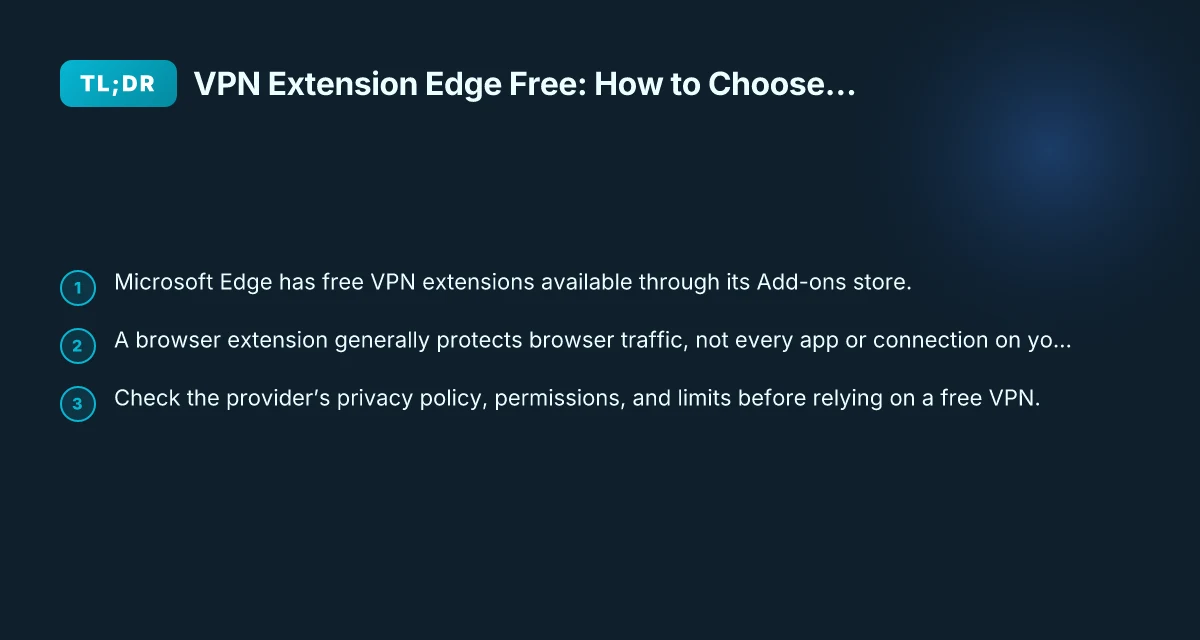
Microsoft Edge does not include a built-in VPN service. You can, however, find VPN extensions in the Microsoft Edge Add-ons store. These extensions add VPN functionality to the browser, but they are not necessarily the same as a full VPN app installed on your computer.
A browser extension typically handles traffic from Edge rather than all internet traffic on your device. Other browsers and apps may continue to connect directly unless you use a device-wide VPN app. Check the provider’s description to confirm the scope of protection.
A VPN extension can be useful when you want to browse through a VPN connection in Edge. It should not be treated as a guarantee of anonymity or as a substitute for careful account, device, and security practices.
Free VPN extensions available for Edge
Search results list several free VPN options for Microsoft Edge. Their features and terms can change, so review the current store listing and the provider’s website before installing one. nord VPN for pc(2026)
| Extension or provider | What its listing says | What to check |
|---|---|---|
| VeePN | Promotes a free Edge extension for browsing, streaming, and accessing blocked websites. Its website describes privacy features and unlimited data. | Review the current plan terms, privacy policy, and any restrictions on locations or features. |
| Browsec VPN | Describes its Edge extension as a free way to protect your IP and browse privately. | Check the available locations, free-plan limits, and data practices. |
| VuzeVPN | Promotes unlimited VPN access, website access, and protection on Wi-Fi hotspots. | Confirm what “unlimited” covers and whether the extension protects only Edge traffic. |
| FreeVPNPlanet | Says its Edge extension hides your IP and offers access without registration or an account. | Read the privacy policy and verify the current installation and usage terms. |
These descriptions come from provider and store listings. They are not independent guarantees of performance or privacy. A feature advertised as free may also have conditions, so read the latest details before you install.
What to check before choosing a free VPN extension
| Check | Why it matters | What to look for |
|---|---|---|
| Edge compatibility | Not every extension supports Edge | Listed in Edge Add-ons or confirmed by the provider |
| Free-plan terms | Free access can have restrictions | Clear limits and upgrade requirements |
| Privacy policy | The provider may handle browsing data | Plain-language data and logging disclosures |
| Encryption | A VPN should protect the connection | Provider explains its security protections |
| Traffic coverage | An extension may cover only browser traffic | Clear distinction between browser and device-wide protection |
| Server locations | Location choice can be restricted | Available locations are stated |
| Data allowance | Some free plans cap usage | A clear data limit or no stated cap |
| Provider reputation | Unknown services can pose privacy risks | Identifiable provider and support information |
Compiled November 2026; check the provider's site for current details.
How to choose a free VPN extension
A free VPN extension can be convenient, but the word “free” does not tell you how the service is funded or what data it collects. Use the following checks to compare options. VPN extension for edge free(2026)
Read the privacy policy
Look for a clear explanation of what information the provider collects, how long it keeps it, and whether it shares it with other parties. Pay attention to browsing activity, connection details, and identifiers. “No logs” is a provider claim. Read the policy to understand what the provider means by it.
Check permissions and publisher details
Install extensions from the official Microsoft Edge Add-ons store where possible. Review the publisher name, requested permissions, user feedback, and recent updates. Be cautious if an extension asks for access that seems unrelated to its VPN function.
Understand free-plan limits
Some free services limit server locations, speeds, usage, or features. Others advertise unlimited data. Check the current terms rather than assuming every feature is available without charge. Search results and listings can change over time.
Consider the connection and support
A VPN may affect browsing speed or access to websites, and performance can vary by server and network. Look for clear setup instructions and a way to contact the provider if the extension stops working. free VPN edge extension(2026)
What a VPN extension can and cannot do
A VPN extension can route supported browser traffic through a VPN service. This can make websites see the VPN server’s IP address instead of your usual public IP address. It may also be useful on public Wi-Fi, but it does not make every online activity private.
Keep these limitations in mind:
- It may cover Edge only. Other browsers, games, and apps may not use the extension’s connection.
- It does not make you anonymous. Websites may still identify you through signed-in accounts, cookies, or browser fingerprinting.
- It cannot protect against every threat. A VPN is not a replacement for updated software, strong passwords, or caution with suspicious links and downloads.
- It does not guarantee access to every website or service. Sites can block VPN connections, and availability can change.
If you need VPN protection for all apps on your device, compare a full VPN application with a browser extension. Check which traffic each option covers before deciding.
How to install a VPN extension in Edge
The basic process is straightforward: free VPN for edge extension(2026)
- Open the Microsoft Edge Add-ons store.
- Search for the provider or extension you want.
- Read its description, permissions, privacy details, and current user feedback.
- Select the option to add the extension to Edge and confirm the installation.
- Open the extension, review its settings, and connect if you choose to use it.
Only install an extension you trust. If you no longer want it, you can manage or remove it through Edge’s extensions settings.
What a VPN extension can and cannot do
| Feature or task | VPN extension | Important note |
|---|---|---|
| Route browser traffic through a VPN | Usually | Depends on the extension and its settings |
| Change the apparent browser location | Often | Available locations may be limited |
| Protect traffic in other apps | Usually no | A desktop VPN app may be needed |
| Replace antivirus software | No | VPNs do not remove the need for device security |
| Guarantee anonymity | No | Websites and services can still identify users |
| Bypass every restriction | No | Access depends on the service and network |
| Protect traffic on public Wi-Fi | Sometimes | Verify the extension’s encryption and coverage |
| Avoid provider data collection | No guarantee | Review the privacy policy and logging practices |
Compiled November 2026; check the provider's site for current details.
Recommendation
For a free VPN extension in Edge, start by comparing listings in the Microsoft Edge Add-ons store, then read the provider’s current privacy policy and free-plan terms. VeePN, Browsec VPN, VuzeVPN, and FreeVPNPlanet appear among the options in search results, but no listing should be taken as proof that a service is right for you. Choose based on the data it collects, the permissions it requests, and whether it protects the traffic you need. VPN extension for microsoft edge(2026)