VPN for Edge: How to Choose and Use One
Find out whether Edge has a built-in VPN, how VPN extensions work, and what to check before choosing one.
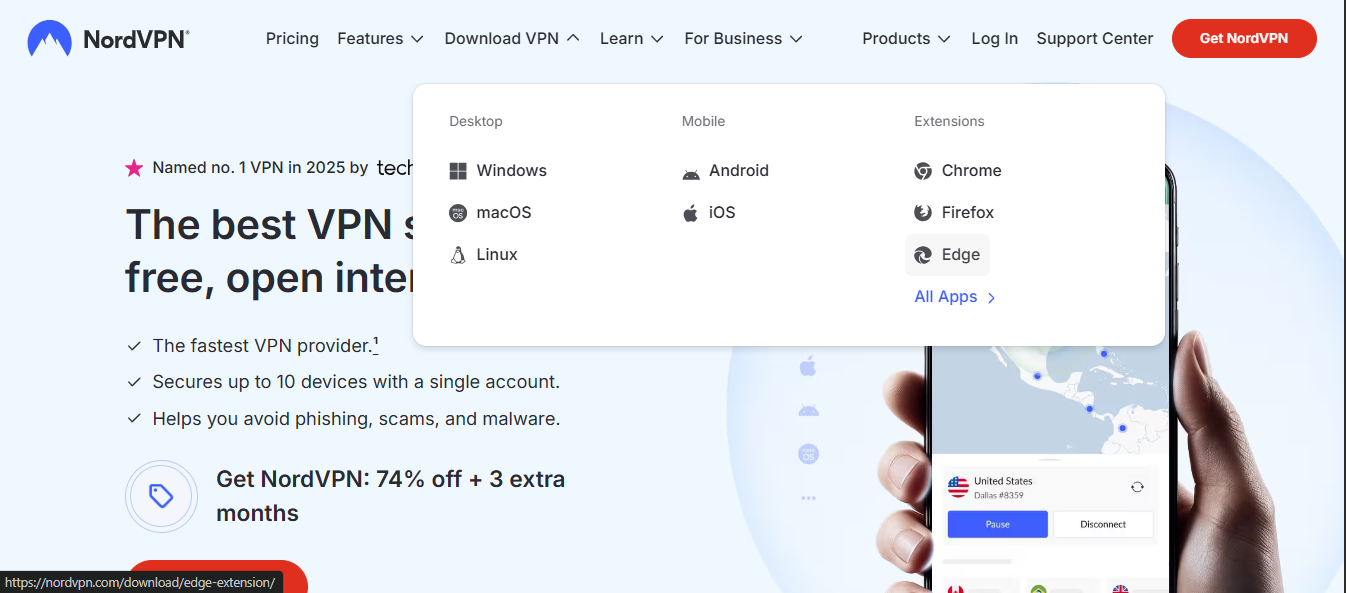
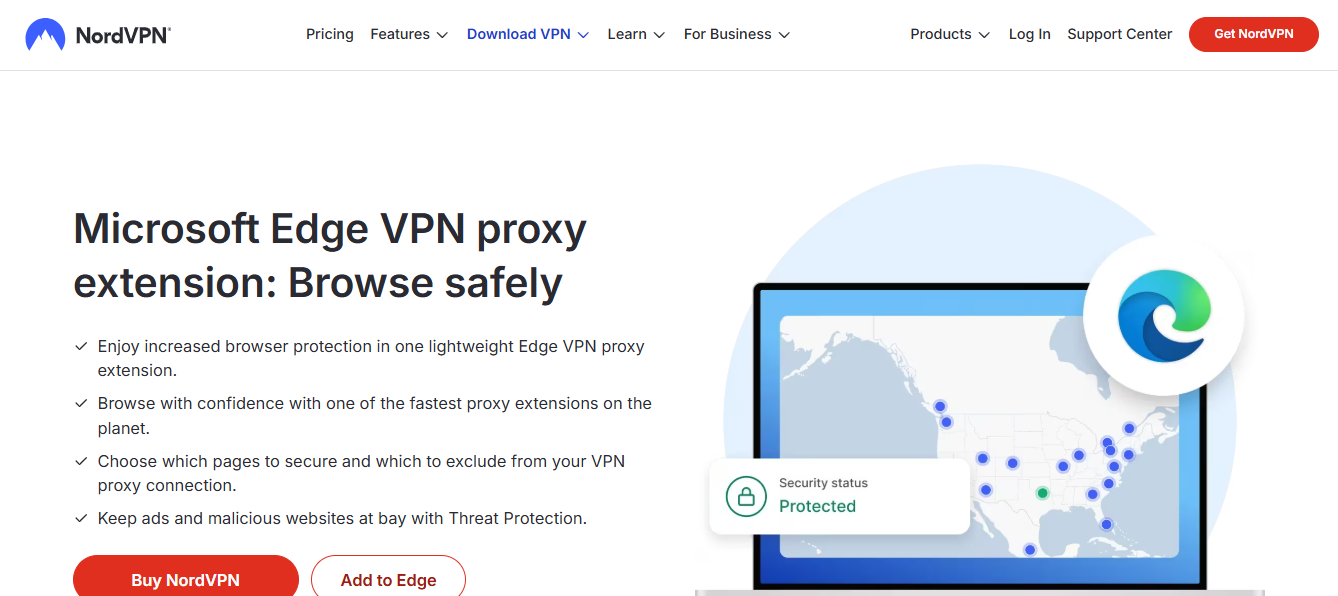
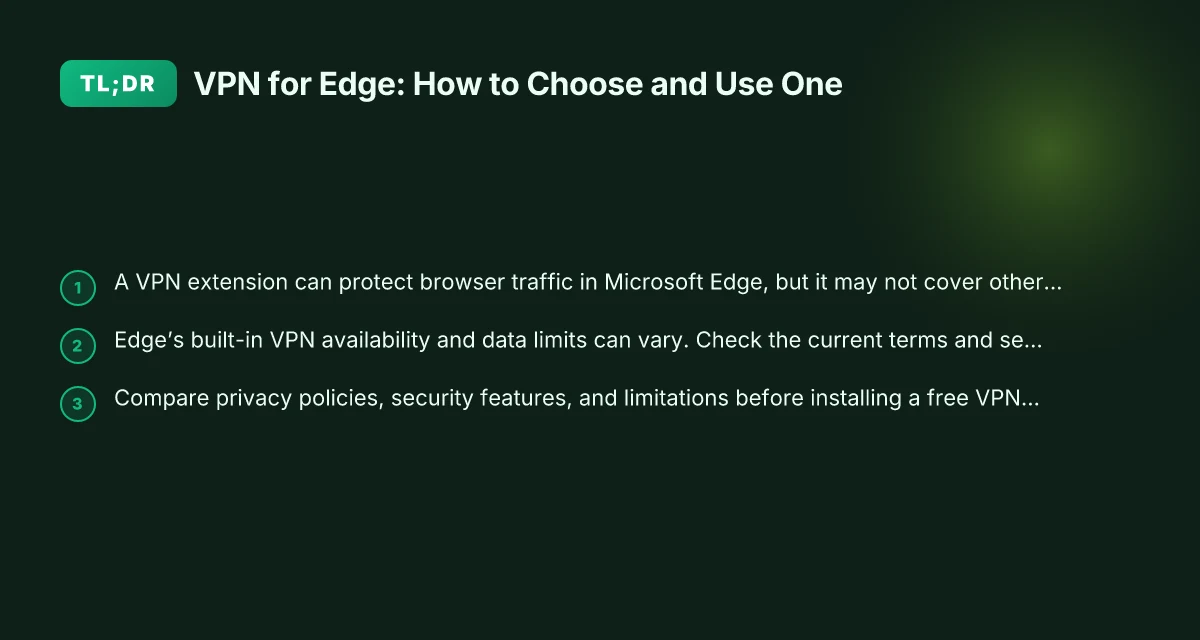
If you’re looking for a VPN for Edge, you can install a VPN extension from the Microsoft Edge Add-ons store or use a VPN app that protects traffic across your device. Edge has also offered a built-in VPN feature in some versions, but its availability and data allowance may vary. The best choice depends on whether you want protection just for browser activity or for all your online connections.
Compare a browser VPN extension with a full VPN app
| Feature | Edge VPN extension | Full VPN app |
|---|---|---|
| Where it runs | In the browser | On the device |
| Edge traffic covered | Yes | Yes |
| Other app traffic covered | No | Yes |
| Setup | Add extension | Install app |
| Browser-specific control | Yes | Usually no |
| Device-wide protection | No | Yes |
| Works outside Edge | No | Yes |
Compiled November 2026; check the provider's site for current details.
| VPN | Obfuscation | From / month | Plan | Free plan | Refund | Alipay | UnionPay | Crypto | Website opens in China | Trustpilot | |
|---|---|---|---|---|---|---|---|---|---|---|---|
 ZoogVPN | Turn on manually Shadow | $2.49/mo | 27 months: $59.99 | Yes | 7 days | ✓ | ✓ | ✓ | ✓ | Official site blocked; our special link opens (4.4 s) | 4.2/5 (195 reviews) |
 NordVPN | Turn on manually Obfuscated Servers / NordWhisper | $3.49/mo | 27 months: $94.23 | No | 30 days | ? | ✗ | ✓ | ✓ | ✗ Blocked | 4.2/5 (51,628 reviews) |
 ExpressVPN | ✓ On by default all servers | $3.00/mo | 28 months: $84 | No | 30 days | ✗ | ✗ | ✓ | ✗ | ✗ Blocked | 4.4/5 (29,706 reviews) |
 Surfshark | ✓ On by default Camouflage, with OpenVPN | See site | See site | No | 30 days | ✗ | ✗ | ✗ | ✓ | ✗ Blocked | 4.3/5 (31,823 reviews) |
 Proton VPN | Turn on manually Stealth, free plan too | $2.99/mo | 12 months: $35.88 | Yes | 30 days | ✗ | ✗ | ✗ | ✓ | ✗ Blocked | 2.1/5 (1,040 reviews) |
 Astrill VPN | Turn on manually StealthVPN / OpenWeb | $12.50/mo | 24 months: $300 | No | See site | ✗ | ✗ | ✗ | ✓ | ✗ Blocked | 1.3/5 (110 reviews) |
 Private Internet Access | Turn on manually Shadowsocks, OpenVPN only | $2.03/mo | 40 months: $81.2 | No | 30 days | ✗ | ✗ | ✗ | ✗ | ✗ Blocked | 4.2/5 (11,033 reviews) |
 CyberGhost | Turn on manually selected servers | $2.19/mo | 28 months: $61.32 | No | 45 days | ✗ | ✗ | ✗ | ✓ | ✗ Blocked | 4.0/5 (24,178 reviews) |
 PureVPN | Turn on manually switch to OpenVPN | $1.69/mo | 60 months: $101.55 | No | 31 days | ? | ? | ✗ | ✓ | ✗ Blocked | 4.4/5 (17,994 reviews) |
 AdGuard VPN | ✓ On by default TrustTunnel | $2.99/mo | 24 months: $71.76 | Yes | 30 days | ✓ | ✗ | ✓ | ✓ | Official site blocked; our special link opens (3.7 s) | 4.3/5 (290 reviews) |
 Mullvad | Turn on manually QUIC / Shadowsocks / LWO | $5.61/mo | €5/mo | No | 14 days | ✗ | ✗ | ✗ | ✓ | ✗ Blocked | 3.2/5 (192 reviews) |
 Windscribe | Turn on manually Stealth / WStunnel | $5.75/mo | 12 months: $69 | Yes | See site | ✗ | ✗ | ✗ | ✓ | ✗ Blocked | 4.7/5 (13,355 reviews) |
 StrongVPN | Turn on manually Scramble, OpenVPN TCP | See site | See site | No | 30 days | ✓ | ✗ | ✗ | ✗ | ✗ Blocked | 4.4/5 (2,695 reviews) |
 LightXtreme 闪连 | Not listed | $7.08/mo | 12 months: $84.99 | Yes | 30 days | ✓ | ✓ | ✓ | ✓ | ✓ Yes (3.5 s) | No page |
Prices checked 2026-11-10 on each vendor's pricing page (cheapest long plan, USD). Check the vendor's checkout for the final price.
Obfuscation checked 2026-11-14 on each vendor's site and help center: "on by default" = nothing to set; "turn on manually" = switch protocol or mode in settings; "not listed" = the vendor describes no obfuscation.
Payment methods checked 2026-11-10 on each vendor's payment pages: all 14 take cards and PayPal; ✗ = not listed, ? = the vendor's own pages disagree.
China access: whether the official website opens from mainland China networks (tests the website only, not the VPN connection). Last checked 2026-11-18 01:02 Beijing time.
Trustpilot score and review count checked 2026-11-10.
What a VPN for Edge does
A VPN, or virtual private network, routes your internet connection through a VPN provider’s server. This can hide your IP address from websites and help protect traffic on networks you don’t trust, such as public Wi-Fi. A VPN may also let you connect through a server in another location.
A browser extension is usually designed to work within Edge. That distinction matters: an extension may not protect traffic from other browsers, games, or apps on your computer. A full VPN app is more likely to protect device-wide traffic, depending on its settings.
A VPN does not make you completely anonymous. Websites can still identify you through account sign-ins, cookies, browser settings, or other tracking methods. Choose a service for its security and privacy practices, not as a promise of total invisibility.
Does Microsoft Edge have a built-in VPN?
Microsoft Edge has offered a built-in VPN feature, sometimes described as a secure network, in certain versions and regions. Search results and user discussions have referenced a free data allowance, but the amount and eligibility can change. Check Edge’s settings or Microsoft’s current documentation to see whether the feature is available to you and what limits apply. chrome urban VPN(2026)
A built-in option may be convenient because it avoids installing a separate extension. However, it may not offer the same choice of locations or controls as a dedicated VPN service. It may also protect only supported browser activity rather than every connection from your device.
Does Microsoft offer a free VPN? Edge’s built-in feature may provide VPN-style protection where available, but don’t assume it is unlimited or included in every version. Confirm the current terms before relying on it.
What to check when choosing a free VPN for Edge
| Check | What to look for | Why it matters | Warning sign |
|---|---|---|---|
| Privacy policy | Clear data practices | Shows how activity is handled | Vague or missing policy |
| Data limits | Stated allowance | Helps avoid unexpected limits | Unclear restrictions |
| Server locations | Listed locations | Indicates connection choices | No location details |
| Security | Clear security information | Helps assess protection | Unsupported claims |
| Permissions | Relevant access only | Limits browser access | Excessive permissions |
| Provider identity | Recognizable, verifiable provider | Helps establish accountability | Unknown operator |
| Reviews | Recent, credible feedback | Offers user experience context | Repeated complaints |
Compiled November 2026; check the provider's site for current details. free VPN that lets you choose location(2026)
VPN extension or full VPN app?
| Option | Typical coverage | Best for | What to check |
|---|---|---|---|
| Edge VPN extension | Browser activity in Edge | Simple browser-level protection | Whether it encrypts traffic, its privacy policy, and any limits |
| Full VPN app | Often the whole device | Protecting multiple apps and browsers | Supported devices, connection controls, and service terms |
| Edge built-in feature | Edge activity where available | Convenience without a separate add-on | Availability, data allowance, and coverage |
An extension is easy to install and use, but its scope can be limited. A full VPN app may require a separate download and account, yet it can be a better fit if you want protection beyond Edge. Neither option should be judged by the word “free” alone: review how the provider operates and what its free plan includes.
How to choose a free VPN for Edge
There are free VPN extensions for Microsoft Edge, including listings such as VeePN, VuzeVPN, and Free VPN Planet. These are examples of options appearing in search results, not a guarantee that any one service is best for everyone. Features and terms may change, so review the current listing and provider site before installing.
Use this checklist when comparing options:
- Privacy policy: Find out what connection or browsing data the provider collects, how it uses that information, and whether it shares it.
- Security details: Look for a clear explanation of how the connection is protected. Be cautious of vague claims.
- Coverage: Check whether the extension protects only Edge or whether a separate app is needed for other traffic.
- Limits: Confirm any data caps, location restrictions, or other conditions. “Free” does not necessarily mean unlimited.
- Permissions: Review what the extension asks to access. Install only add-ons from a source you trust.
- Support and transparency: Look for clear contact information, documentation, and terms of service.
An extension that promises unlimited access or no logs still needs a trustworthy, understandable privacy policy. Treat promotional claims as claims to verify, rather than proof of how the service handles your data. NordVPN windows 10 VPN(2026)
Steps to install and use a VPN extension in Edge
| Step | Action | What to check |
|---|---|---|
| 1 | Choose a VPN provider | Review privacy and limits |
| 2 | Open Edge add-ons | Use the official store |
| 3 | Find the provider’s extension | Confirm the publisher |
| 4 | Select Add to Edge | Review requested permissions |
| 5 | Open the extension | Sign in or create an account |
| 6 | Choose a server location | Pick an available location |
| 7 | Connect | Confirm the status shows connected |
| 8 | Browse with Edge | Disconnect when finished if needed |
Compiled November 2026; check the provider's site for current details.
How to install and use a VPN extension in Edge
To add an extension, open the Microsoft Edge Add-ons store, search for the VPN provider you have chosen, and review its listing and permissions. Select the option to add it to Edge, then follow the provider’s setup instructions. You may need to create an account or sign in.
Once installed: iphone VPN(2026)
- Open the extension from Edge’s toolbar.
- Sign in or complete any required setup.
- Choose a server or location if the service offers that choice.
- Connect, then confirm the extension indicates that the VPN is active.
- Disconnect when you no longer need it, if that is how you prefer to manage your browsing.
Avoid installing several VPN extensions at once. They can conflict or make it harder to tell which service is handling your connection. If you need protection for applications outside Edge, check whether the provider offers a full VPN app and configure that separately.
Recommendation
For occasional protection while browsing in Edge, start by checking whether Edge’s built-in VPN feature is available to you and reviewing its current limits. If you need more control or want coverage beyond the browser, compare a reputable VPN app with an Edge extension. In either case, choose based on transparent privacy practices and clear coverage, not just a free label or a promise to unblock websites.