web based training(2026)
A comprehensive guide to Web Based Training (WBT), its advantages, challenges, and tips for success.
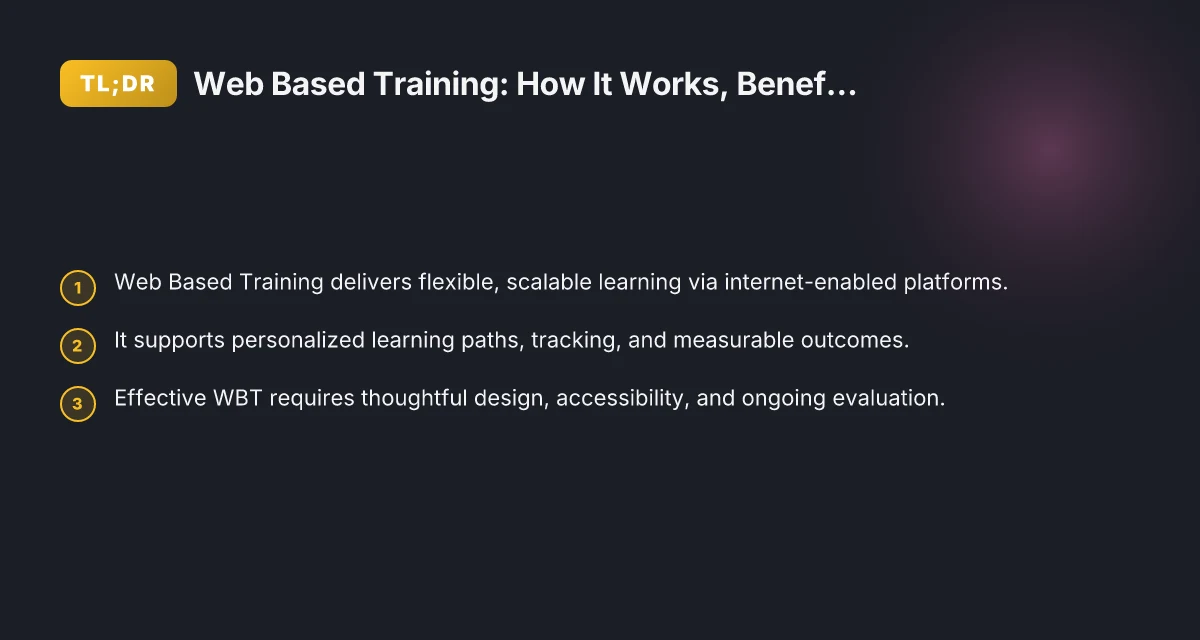
The rise of Web Based Training (WBT) reflects a shift from traditional in-person instruction to flexible, internet-enabled learning experiences. With the right design, WBT can reach learners anywhere, on any device, while delivering measurable outcomes for individuals and organizations. This article breaks down how WBT works, who benefits, common formats, and best practices to maximize impact.
Comparison of Web Based Training vs. Traditional In-Person Training
| Feature | Web Based Training | Traditional In-Person Training | Notes |
|---|---|---|---|
| Delivery mode | Online, self-paced or scheduled | In-person, on-site | Remote access varies by option |
| Accessibility | 24/7 access possible | Fixed schedule and location | Depends on platform |
| Learner pacing | Self-paced or blended | Instructor-led pacing | May vary by course |
| Interaction types | Discussion boards, quizzes, video | Live lectures, group work | Tools differ by format |
| Tracking & analytics | Progress, completion, quiz scores | Attendance, participation | Data availability varies |
| Equipment needed | Computer or mobile device, internet | Usually only seating and materials | Requires connectivity |
| Scalability | High; many learners simultaneously | Limited by venue and capacity | Platform dependent |
| Costs (per learner) | Often lower or scalable | Higher upfront (venue, staff) | Budgets vary |
| Customization | Flexible content updates | Less frequent updates | Depends on provider |
| Certifications | Often certs or badges | Certificates of completion | Standards vary |
Compiled November 2026; check the provider's site for current details.
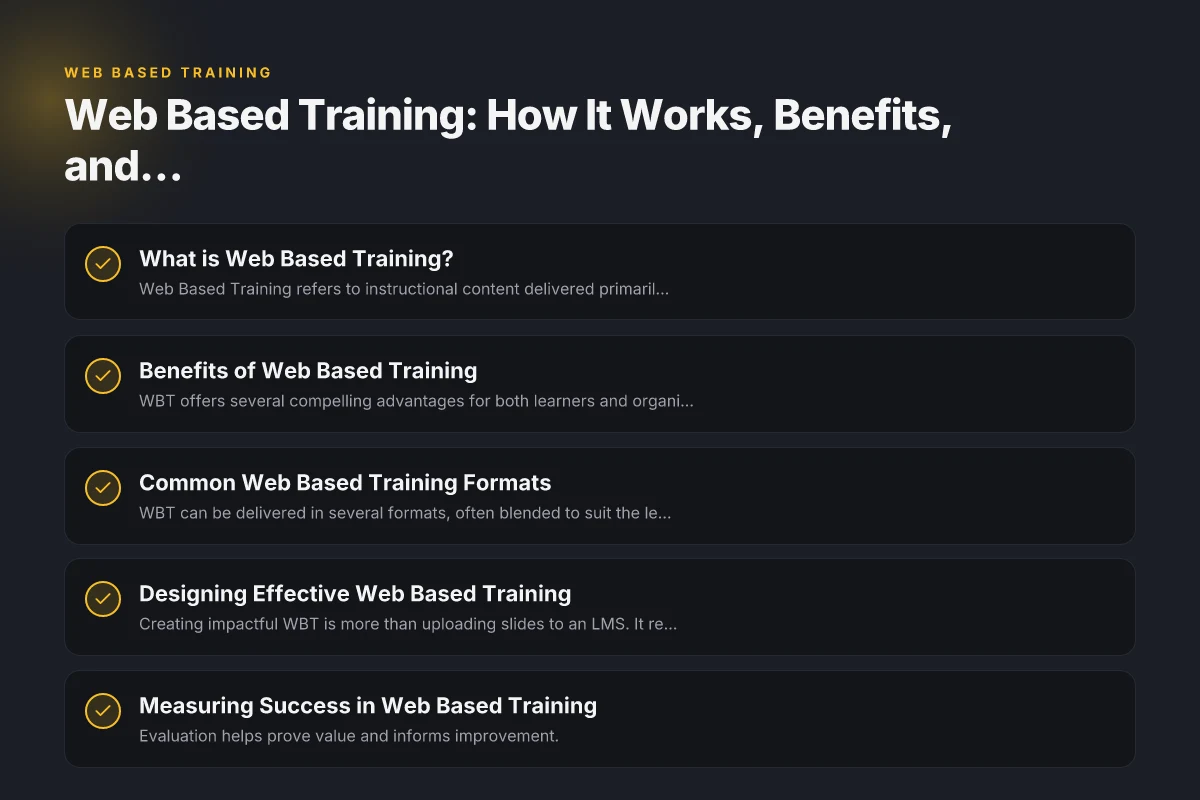
What is Web Based Training?
Web Based Training refers to instructional content delivered primarily over the internet. Unlike static e-learning modules that sit on a hard drive or a local server, WBT is hosted in the cloud or on an LMS (Learning Management System) and accessed through a web browser or mobile app. Key features include:
- Online access from any device with internet
- Interactive modules, quizzes, simulations
- Progress tracking, assessments, and certificates
- Updates and versions managed centrally
How it differs from other training formats
While “e-learning” is a broad umbrella term, WBT is a specific delivery method within that umbrella. Here’s a quick comparison to help you choose:
| Format | Delivery | Accessibility | Tracking | Typical Use |
|---|---|---|---|---|
| Web Based Training (WBT) | Internet-based, browser/app | High on modern devices | Built-in via LMS | Employee onboarding, compliance, soft skills |
| Instructor-Led Training (ILT) | In-person or live virtual | Variable | Often manual | Complex skills, hands-on practice |
| Computer-Based Training (CBT) | Local computer, downloadable | Medium | Limited unless LMS used | Compliance, basic knowledge checks |
| Mobile Learning (M-learning) | Mobile apps, responsive web | Very high | Varies | On-the-go microlearning |
Benefits of Web Based Training
WBT offers several compelling advantages for both learners and organizations.
Flexibility and Accessibility
- Learn at your own pace and schedule
- Access from home, work, or while traveling
- Supports diverse needs (time zones, caregiving, disability accommodations)
Consistency and Compliance
- Standardized content ensures uniform messaging
- Easy to update with new regulations or policies
- Automated tracking helps demonstrate compliance during audits
Cost Efficiency and Scalability
- Lower travel and venue costs
- Scales to thousands of learners with a single course
- Reusable content reduces long-term expenses
Personalization and Engagement
- Adaptive paths based on learner performance
- Microlearning nibbles for retention
- Interactive elements (simulations, scenarios) boost engagement
Analytics and Demonstrable Outcomes
- Real-time dashboards track completion, scores, time spent
- Data supports ROI calculations and continuous improvement
Common Web Based Training Formats
WBT can be delivered in several formats, often blended to suit the learning goal. welcome to dpec courses(2026)
Self-Paced Modules
- Rich multimedia: videos, readings, interactive quizzes
- Learners control pace and order
- Ideal for foundational knowledge and onboarding
Virtual Simulations and Scenarios
- Practice in safe, repeatable environments
- Decision-making branches simulate real-world consequences
- Excellent for skills training and certification prep
Microlearning
- Short, focused bursts (3–7 minutes)
- Reinforces memory through spaced repetition
- Great for onboarding and just-in-time performance support
Assessments and Certifications
- Pre- and post-tests gauge knowledge gain
- Gamified goals or badges incentivize progress
- Certificates provide formal recognition of competence
Social Learning and Collaboration
- Discussion boards, peer reviews, group projects
- Encourages knowledge sharing and accountability
- Works well when paired with asynchronous or live sessions
Designing Effective Web Based Training
Creating impactful WBT is more than uploading slides to an LMS. It requires thoughtful instructional design, accessibility, and robust evaluation.
Instructional Design Considerations
- Define clear learning objectives aligned to business goals
- Structure content with a logical flow and scannable layouts
- Use a mix of media (text, video, audio, interactivity) to cater to different learners
- Include real-world examples and practice activities
Accessibility and Inclusivity
- Adhere to accessibility standards (e.g., WCAG) to support all users
- Provide captions, transcripts, and keyboard-navigable content
- Offer adjustable pacing, font sizes, and contrast options
Technical and Platform Considerations
- Ensure compatibility across browsers and devices
- Optimize for low bandwidth scenarios with lightweight assets
- Use a scalable LMS with reliable hosting, security, and data privacy
Engagement and Motivation
- Break content into manageable chunks to reduce cognitive load
- Incorporate storytelling and practical tasks
- Include periodic assessments with constructive feedback
- Provide social learning features to foster community
Comparative Formats, Features, and Suitability
| Format | Suitable for | Pros | Cons | Ideal Use Case | Typical Duration |
|---|---|---|---|---|---|
| Synchronous live webinar | Real-time Q&A; small groups | Immediate feedback; high engagement | Scheduling constraints | New hires onboarding | 60–90 min |
| Asynchronous e-learning modules | Busy or distributed teams | Flexible timing; scalable | Weaker social interaction | Knowledge refreshers | 15–45 min per module |
| Microlearning bursts | Quick skill bites | High retention; easy to fit | Limited depth | Just-in-time skills | 5–10 min per burst |
| Virtual instructor-led training (VILT) | Interactive instructor sessions | Structured with trainer | Tech setup required | Complex procedures | 60–180 min |
| Mobile learning | On-the-go learners | Accessibility; short sessions | Smaller content per unit | Field staff updates | 5–15 min per module |
Compiled November 2026; check the provider's site for current details.
Measuring Success in Web Based Training
Evaluation helps prove value and informs improvement. cinni download area update your software(2026)
Key Metrics to Track
- Completion rate: % of learners finishing modules
- Assessment scores: knowledge gains and proficiency
- Time to complete: efficiency insights
- Retention and transfer: application of skills to work
- Certification attainment and recertification cycles
- User satisfaction: feedback surveys and Net Promoter Score (NPS)
Tools and Methods
- LMS analytics dashboards for automated reporting
- A/B testing of different content or formats
- Observational data from performance metrics (before/after)
- ROI calculations comparing costs to outcomes
Continuous Improvement Cycle
- Collect feedback after each module
- Review analytics quarterly to identify bottlenecks
- Update content and scenarios based on learner outcomes
- Iterate on design to boost engagement and effectiveness
Practical Considerations for Different Audiences
WBT needs to be tailored to the learner group and organizational context.
Onboarding New Employees
- Short, high-impact modules covering company culture, tools, and policies
- Interactive checklists and simulations to practice common tasks
- Milestones tracked for compliance and role readiness
Compliance and Regulatory Training
- Mandated timelines, mandatory completion, and audit-ready reports
- Scenario-based assessments to test understanding of rules
- Clear documentation of completion and proficiency
Professional Development and Certification
- Pathways for progression, with prerequisites and elective tracks
- Time-bound assessments to maintain certification status
- Access to updated resources as regulations evolve
Remote and Hybrid Teams
- Mobile-friendly content for asynchronous access
- In-app notifications and reminders to sustain momentum
- Collaborative features for problem-solving and peer learning
Designing and Measuring Web Based Training Effectiveness
| Dimension | What to plan | How to measure | Success indicators | Tools / Data | Ideal reporting cadence |
|---|---|---|---|---|---|
| Learning objectives | Clear, measurable | Assessments aligned to objectives | Mastery levels; ROI signals | LMS, assessments | Post-course; monthly |
| Content design | Modular; scannable | Usability tests | Engagement metrics | Analytics, surveys | After release; quarterly |
| Engagement strategies | Gamification, prompts | Completion rate, time in module | High completion; active participation | LMS analytics | Weekly during rollout |
| Assessment & feedback | Formative + summative | Quiz results; peer review | Passing rates; improvement | Quizzes, rubrics | Per module; quarterly |
| Accessibility | WCAG compliance | Accessibility checks | Inclusivity; fewer barriers | Accessibility tools | At each release |
Compiled November 2026; check the provider's site for current details.
When Web Based Training Might Not Be Enough
WBT is powerful. Some scenarios benefit from a blended approach. youth groups(2026)
- Hands-on or tactile skills may require in-person practice or simulations with physical components
- Complex coaching and nuanced feedback can be enhanced by live sessions
- Situations requiring high levels of social interaction and cultural immersion might benefit from synchronous formats
If in doubt, start with WBT for knowledge transfer and use supplemental ILT or live virtual sessions for practice, mentoring, and advanced coaching.
Best Practices Checklist
- Start with clear, measurable objectives aligned to business goals
- Design for accessibility and inclusivity from day one
- Use a variety of formats (self-paced, simulations, microlearning) to sustain engagement
- Keep content modular and reusable for future updates
- Implement a robust analytics plan and regularly review data
- Ensure security, privacy, and compliance of the hosting platform
- Gather learner feedback and continuously iterate
Final Recommendation
Web Based Training is a powerful, scalable method to deliver consistent, measurable learning across diverse populations. To maximize impact, invest in solid instructional design, accessible and flexible delivery, and a strong analytics framework. Start with a pilot program to validate objectives, gather feedback, and refine content before a full-scale rollout. When combined with targeted live sessions or hands-on practice where needed, WBT creates a compelling, cost-effective pathway to a more capable, confident workforce.