What is an Internet search engine

A clear, accessible explanation of what an Internet search engine is, how it works, and why it matters.
Comparison of search engine basics
| Aspect | Description | Examples | Notes |
|---|---|---|---|
| Core function | Indexing + searching | Web, images, news | Central idea of all engines |
| Crawling scope | Web breadth | Global, regional | Varies by engine |
| Ranking basis | Signals used | Content relevance, links, freshness | Weights differ by engine |
| Result types | Formats | Web pages, images, videos, maps | Some engines specialize |
| Privacy stance | Data handling | Tracking, anonymization options | Varies by engine |
Compiled November 2026; check the provider's site for current details.
Opening
When people talk about searching the web, they usually mean using a search engine. But what is a search engine, exactly? In short, it is a tool that helps you find information on the Internet. It does this by collecting data from web pages, organizing that data, and showing you results that are most likely to answer your question. Think of a search engine as a librarian for the vast universe of online pages: it helps you locate the exact book, article, or resource you need, even when you’re not sure what to call it.
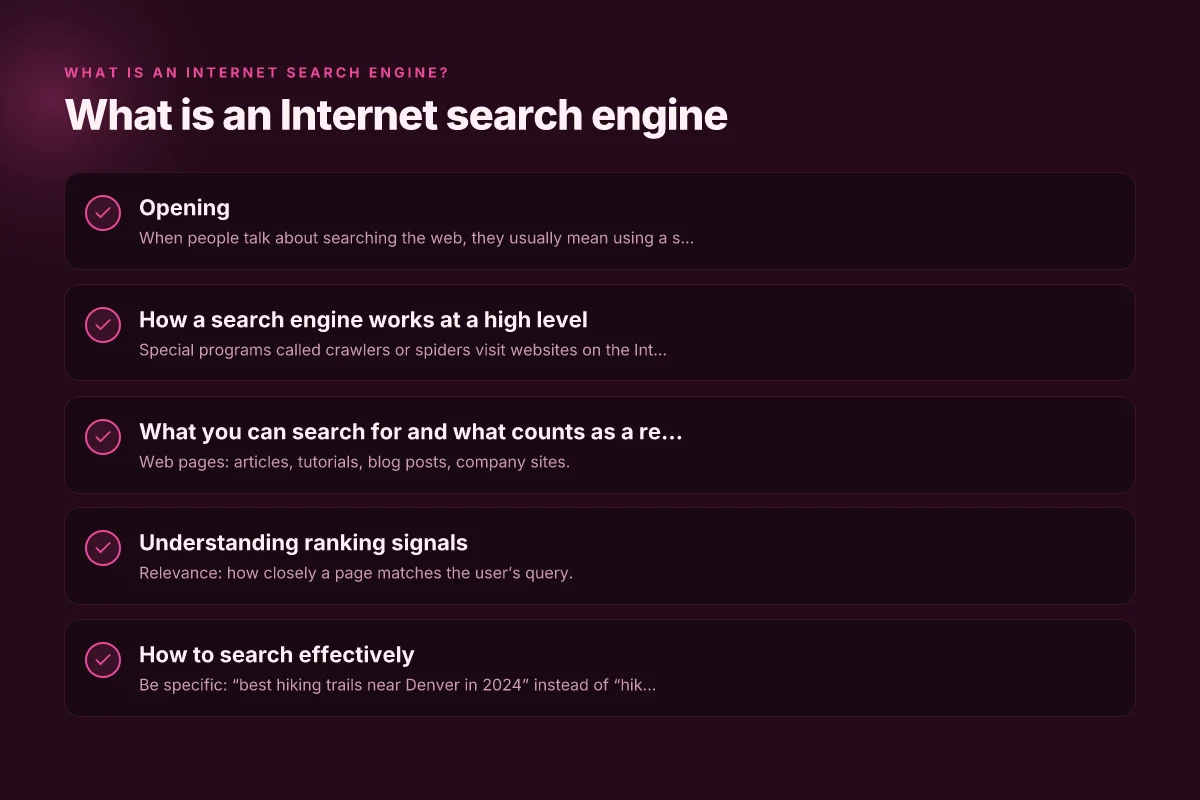
How a search engine works at a high level
Crawling
- Special programs called crawlers or spiders visit websites on the Internet.
- They follow links from one page to another, discovering new content.
- As they browse, they collect information about each page’s content, structure, and metadata.
Indexing
- The collected information is organized into an index, a huge data structure that makes retrieval fast.
- The index contains keywords, where they appear, and context that helps assess relevance.
- Think of the index as a giant catalog that points to the actual pages.
Ranking
- When you type a query, the engine searches the index to find relevant pages.
- A ranking algorithm determines the order of results, aiming to surface the most helpful pages first.
- Signals used in ranking include relevance to the query, page quality, speed, freshness, and user signals like click-through behavior.
Serving results
- The engine returns a list of results, typically with titles, snippets, and the URL.
- Users may see rich results, such as images, videos, or knowledge panels, depending on the query.
- Some engines also offer features like filters, spelling suggestions, and related searches.
What you can search for and what counts as a result
Types of content
- Web pages: articles, tutorials, blog posts, company sites.
- Media: images, videos, podcasts, and slides.
- News: current events and recent developments.
- Local results: nearby businesses and services when you enable location features.
- Knowledge panels and snippets: concise summarized information for quick answers.
Typical queries
- Informational: “What is the capital of France?”
- Navigational: “Open Wikipedia” or “Gmail login”
- transactional: “buy running shoes online”
- exploratory: “best practices for SEO in 2024”
Understanding ranking signals
Core factors
- Relevance: how closely a page matches the user’s query.
- Authority and trust: signals like backlinks, domain credibility, and content quality.
- Usability: page speed, mobile-friendliness, and clear structure.
- Freshness: how recently the content was published or updated.
- Personalization: location, search history, and language.
How to think about it from a user’s perspective
- If you want a quick answer, look for featured snippets or knowledge panels.
- For deeper understanding, scroll through results, open multiple sources, and compare.
- If a result seems questionable, try refining your query or checking the author’s credentials.
How to search effectively
Crafting better queries
- Be specific: “best hiking trails near Denver in 2024” instead of “hiking trails.”
- Use quotes for exact phrases: “climate change effects on oceans.”
- Utilize operators: AND, OR, site:, filetype: to narrow results.
Using search features and tools
- Filters: time range, image type, or result type (news, videos, etc.).
- Related searches: helps you discover angles you hadn’t thought of.
- Spelling and suggestions: often corrects small typos or offers alternatives.
Evaluating search results
- Check the domain and author credibility.
- Look for corroboration across multiple sources.
- Be aware of sponsored results and ads. They’re labeled as such.
- Read snippets critically to gauge if the page will satisfy your intent.
A simple comparison: search engines vs. alternative discovery methods
| Method | How it works | Typical strengths | Typical limitations |
|---|---|---|---|
| Internet search engine | Crawlers index pages; ranking algorithms return results | Broad coverage, fast, fresh results | Ranking can be influenced by SEO; ads may shape results |
| Direct navigation | Visiting known sites or bookmarks | Fast access to trusted sources | Requires prior knowledge; not good for discovery |
| Social feeds | Algorithms surface content from networks | Timely and personalized content | Echo chambers; variable accuracy |
| Directory sites | Curated lists of categories | Easily navigable categories | Often narrower scope; may be outdated |
How to search effectively: features and techniques
| Feature/Technique | Purpose | When to use | Example terms |
|---|---|---|---|
| Quotes " " | Exact phrase match | When exact wording matters | "machine learning" |
| Minus - | Exclude terms | Filter out results | cats -movies |
| Site: | Search a domain | Narrow to a site | site:wikipedia.org |
| Filetype: | Find specific files | Looking for PDFs, slides | filetype:pdf climate change |
| Wildcard * | Broadens a term | When unsure of word form | best * practices |
| OR | Alternate terms | Compare concepts | solar OR wind energy |
| Time filter | Freshness | Current events | past month AI |
| Definition | Quick meaning | Quick lookups | define:serendipity |
Compiled November 2026; check the provider's site for current details.
The evolution of search engines (a quick glance)
- Early search engines focused on keyword matching. A page with the exact word you typed could rank highly.
- Modern engines blend multiple signals, including user behavior and intent signals, to tailor results.
- Knowledge graphs and structured data enrich results with context, such as definitions, people, places, and events.
- Mobile and voice search have pushed engines to prioritize speed, natural language understanding, and concise answers.
Privacy and ethics in searching
- Some search engines collect data to improve results and deliver personalized ads. You can adjust privacy settings or use private browsing if you prefer.
- Alternative search engines emphasize privacy and may offer less tracking. Consider trying several to compare results and privacy implications.
- It’s wise to verify information from multiple sources, especially for important decisions or high-stakes topics.
Privacy and ethics comparison among search options Itinerary: How to Plan the Perfect Trip Step by Step
| Option | Data collection | Ads personalization | Local data handling | Transparency | User controls |
|---|---|---|---|---|---|
| Major commercial engine | High | Yes | Stored on servers | Moderate | Privacy settings available |
| Privacy-focused engine | Low to medium | Minimal | Limited | High | Easy-to-find controls |
| Meta/aggregated search | Medium | Some | Shared across products | Moderate | Settings present |
| Open-source/self-hosted | Low | No | User-managed | High | Full control |
| Academic databases | Varies | Often none | Local institution | High | Access controls |
Compiled November 2026; check the provider's site for current details.
Practical tips for your first-time and frequent use
- Start with a clear goal: what answer or resource do you want?
- Use quotes for exact phrases when you know the wording you want.
- Iterate: if results aren’t helpful, tweak your query with additional terms or synonyms.
- Compare top results: open several sources to cross-check facts.
- Save or bookmark credible pages for future reference.
Final section: recommendation
If you want to understand what an Internet search engine is and how to use it effectively, start with a simple mental model: a system that crawls the web, builds a searchable index, and serves you ranked results based on relevance and trust. Practice crafting precise queries, learn a few helper operators, and regularly skim the credibility of sources. Experiment with different search engines to see how results differ, especially when you’re researching topics that require up-to-date information or diverse perspectives. By combining practical search techniques with a critical eye for sources, you’ll become more proficient at finding accurate, relevant information quickly.