Understanding Links: What They Are, Why They Matter, and How to Use Them Effectively
A clear guide to links: types, purposes, SEO impact, and best practices for web navigation and linking strategies.
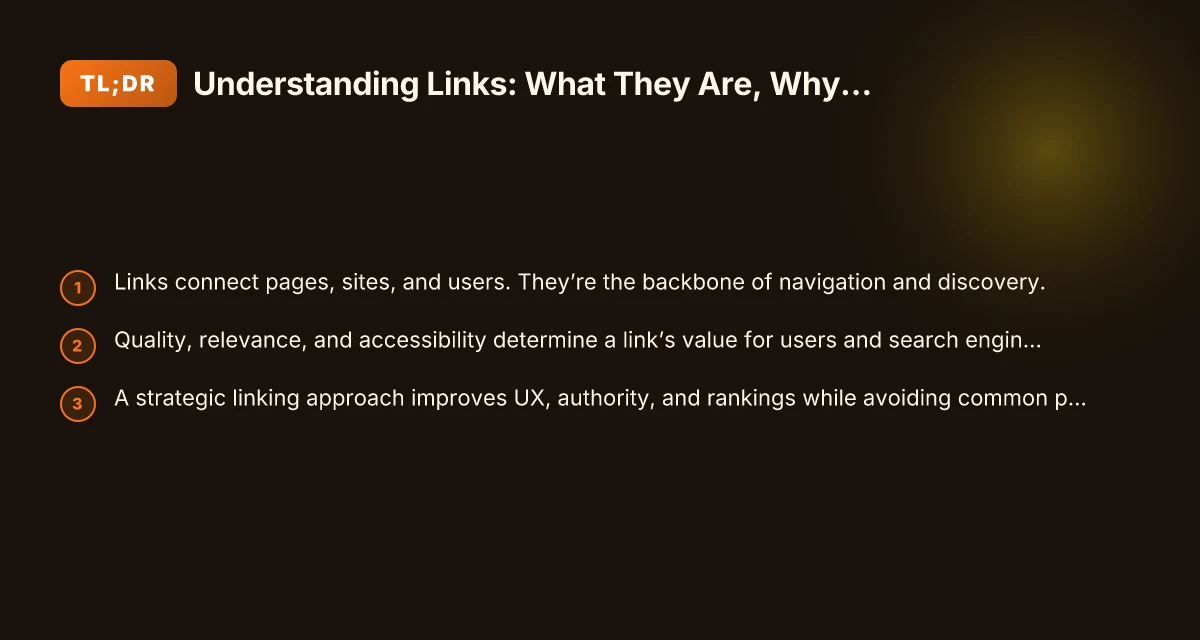
Links are the quiet workhorses of the web. They guide users from one page to another, connect related content, and signal importance to search engines. Understanding how links work, what kinds exist, and how to use them well can improve your site’s usability, credibility, and visibility. This article breaks down the essentials of links, from basic definitions to practical best practices.
Internal vs external linking at a glance
| Criterion | Internal link | External link | Example | Pros |
|---|---|---|---|---|
| Purpose | Navigate within site | Reference third-party | Link to related site | Keeps users inside site; builds structure |
| SEO impact | Moderate | Can pass some authority | N/A | Improves crawlability; signals relevance |
| Link example | /about | https://example.com | /pricing | Clear path for users |
| When to use | Site exploration | Credible sources | Author bios | Builds trust and authority |
| DoFollow status | Yes | Yes/No (depends) | Yes | Lets search engines pass value |
| Best practice | Use sparingly | Use for reputable sources | N/A | Maintains balance and credibility |
Compiled November 2026; check the provider's site for current details.
What a link is and how it works
A simple definition
- A link (or hyperlink) is a clickable element that directs a user from one resource to another.
- It can point to a web page, a document, an email address, a file, or a location within the same page (anchor).
The anatomy of a link
- URL (destination): where the link goes.
- Anchor text: the visible clickable text.
- Destination type: internal (within the same site) or external (to a different site).
- Attributes: rel, target, title, and sometimes data attributes that affect behavior.
Why links matter
- Navigation: helps users move intuitively through content.
- Discovery: enables search engines to crawl and index related pages.
- Signals: influences perceived relevance and authority of pages.
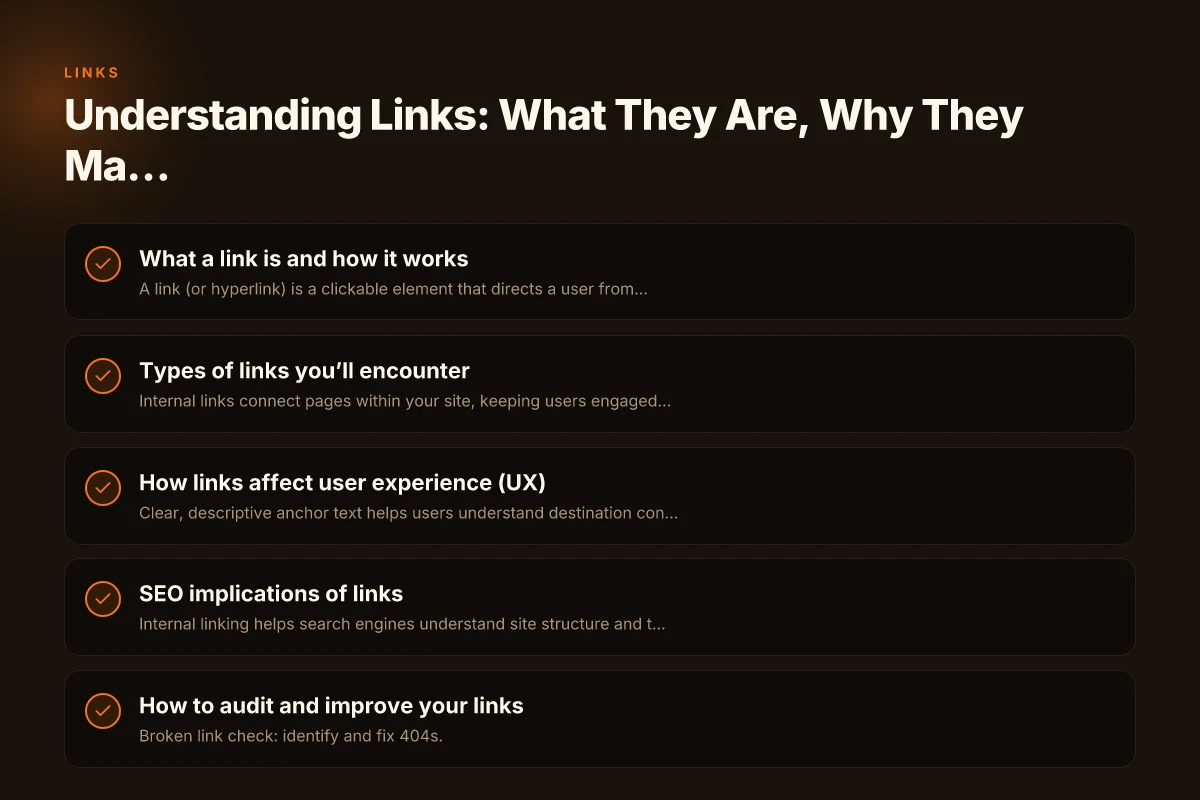
Types of links you’ll encounter
Internal vs. external
- Internal links connect pages within your site, keeping users engaged and distributing link equity.
- External links point to other sites, signaling relevance and establishing credibility.
Dofollow vs. nofollow
- Dofollow (default): passes link equity (often called "link juice") and can influence rankings.
- Nofollow: instructs search engines not to pass authority. Used for user-generated content, paid_links, or untrusted sources.
Image links and anchor links
- Image links: an image that serves as the clickable element.
- Anchor links: links to a specific section within a page (using IDs).
Redirects and canonical links
- Redirects send users from one URL to another, important for site architecture and handling moved content.
- Canonical links indicate the preferred version of a page to avoid duplicate content issues.
How links affect user experience (UX)
Navigation and flow
- Clear, descriptive anchor text helps users understand destination content.
- Logical linking structure supports discovery and reduces bounce.
Accessibility considerations
- Use descriptive anchor text that makes sense out of context.
- Ensure links are reachable via keyboard navigation and have visible focus styles.
- Avoid placing syndication or navigation purely behind images without text alternatives.
Performance and reliability
- Broken or outdated links frustrate users and harm credibility.
- Regular link audits help maintain a trustworthy site experience.
Types of links you’ll encounter
| Link type | Definition | Typical use | SEO relevance | UX impact | Example |
|---|---|---|---|---|---|
| Text link | Hyperlinked anchor text | Navigation, citations | Moderate | Natural reading flow | "learn more" |
| Image link | Image clickable | Visual navigation | Low | Engaging | banner ad image linked |
| Badges/buttons | Styled clickable elements | CTAs, trust signals | Low to moderate | Clear action | "Sign up" badge |
| Anchor link | Jump to page section | Long pages | Low | Quick access | #features |
| NoFollow | rel="nofollow" flag | Cited sources | Low SEO value | Transparent moderation | "Source" link |
| External link | Link to other site | References | Can pass authority | Contextual | https://supplier.com |
Compiled November 2026; check the provider's site for current details.
SEO implications of links
How search engines view links
- Internal linking helps search engines understand site structure and topic clusters.
- External links can confer trust and authority from reputable sites (if of high quality).
Best practices for internal linking
- Create a logical site architecture with a few top-level pages and supportive deeper pages.
- Use keyword-relevant anchor text that reflects the destination page content.
- Link important pages more deeply to distribute authority where it matters.
External linking strategy
- Link to reputable, relevant sources to provide context and value.
- Diversify external links to avoid over-optimizing or appearing biased.
- Use nofollow or sponsored attributes for paid or untrusted links when appropriate.
Metrics to watch
- Click-through rate (CTR) on internal links: higher CTR can indicate helpful navigation.
- Crawl depth: how many clicks needed to reach important content.
- Link equity distribution: how authority flows through your site.
How to audit and improve your links
Regular checks you can perform
- Broken link check: identify and fix 404s.
- Outdated references: refresh stale external links.
- Anchor text variety: avoid over-optimization. Keep natural variety.
Tools to help
- Web analytics: monitor user flow and popular linking paths.
- SEO crawlers: discover internal and external link patterns, broken links, and orphan pages.
- Accessibility tools: verify focus outlines and readable anchor text.
A practical linking plan (4-step)
- Map your content into topic clusters with hub pages.
- Audit existing internal links and reinforce key pages.
- Vet external links for relevancy and authority. Add nofollow where needed.
- Establish a routine: monthly checks for new content and quarterly link audits.
A practical comparison: internal vs external linking (at a glance)
| Aspect | Internal links | External links |
|---|---|---|
| Purpose | Improve navigation, distribute authority within site | Cite sources, provide context, build credibility |
| Anchor text | Descriptive and relevant to destination | Descriptive, but may reference the source |
| Link equity | Passes through site structure | Can confer trust from third-party sites |
| SEO impact | Strengthens site architecture and rankings | Affects credibility; quality of linking sites matters |
| Risks | Broken links, over-linking internal pages | Bad neighbors, paid/link schemes if misused |
Common mistakes and how to avoid them
- Over-stuffing anchor text with exact-match keywords: looks spammy and harms readability.
- Linking to irrelevant pages: confuses users and dilutes value.
- Ignoring accessibility: inaccessible links exclude users with disabilities.
- Leaving broken or outdated links: damages trust and user experience.
- Relying solely on dofollow internal links: diversify with strategic internal navigation and occasional external references.
How to implement a robust linking strategy
For content creators
- Plan your content around topics that naturally connect to related articles.
- Use descriptive anchors that tell readers what they’ll find at the destination.
- Include internal links in the early and middle sections of content where relevant.
For site owners and admins
- Design a clean site architecture with clear parent-child relationships.
- Implement a breadcrumb trail to show users where they are within the site.
- Set up automated checks and dashboards to monitor link health.
For SEO professionals
- Build a balanced link profile: internal links, high-quality external references, and trustworthy third-party signals.
- Use schema and structured data to clarify relationships and context.
- Monitor link-related penalties and recover from broken link issues quickly.
How to audit and improve your links
| Step | Action | What to check | Tool / method | Success indicator |
|---|---|---|---|---|
| 1 | Crawl site | Broken, redirects | Screaming Frog / Ahrefs | >0% errors fixed |
| 2 | Check anchors | Descriptive text | Manual review | Contextual anchors |
| 3 | Assess nofollow | Appropriateness | CMS check | Nofollow where needed |
| 4 | Review external links | Reputable sources | Link checker | High-quality sources |
| 5 | Evaluate internal structure | Depth / siloing | Sitemap / analytics | Logical navigation |
| 6 | Audit redirects | Redirect chains | Redirect path tool | Single-step redirects |
Compiled November 2026; check the provider's site for current details. Sponsors: How to Find, Vet, and Engage Partners that Accelerate Your Growth
Final recommendation
Links are not just a mechanism for navigation, they are a core component of how content is discovered, understood, and trusted. Build a thoughtful linking strategy that prioritizes user experience, accessibility, and quality signals. Regular audits, descriptive anchor text, and a well-planned information architecture will help you create a durable, search-friendly, and user-friendly web presence. Start with a content map that defines topic clusters, then implement consistent internal linking patterns, and finally review external referencing practices to ensure credibility and relevance.