How do I narrow a search

Quick, practical strategies to tighten your search results and find what you need faster.
The art of narrowing a search can save you time and improve the relevance of what you find. Whether you’re hunting for a specific product, a scholarly article, or a how-to guide, applying a few focused techniques makes a big difference. Below is a practical guide you can start using today.
Comparison of search approach types
| Approach | Purpose | Typical users | Pros | Cons |
|---|---|---|---|---|
| Broad search | Discover scope | General users | Finds breadth | Low relevance |
| Precise keywords | Narrowed results | Detail seekers | High relevance | May miss synonyms |
| Operators & advanced features | Fine control | Power users | Precise results | Steep learning curve |
| Filters & tools on platform | Scoping results | All users | Quick narrowing | Platform dependent |
Compiled November 2026; check the provider's site for current details.
Understanding what you’re looking for
Before you type, clarify your goal.
- Define the exact item, topic, or problem.
- Decide the type of result you want: a fact, a tutorial, a product page, a consumer review.
- List non-negotiables (brand, model, date range, language). This upfront thinking sets the direction for your search and reduces noise.
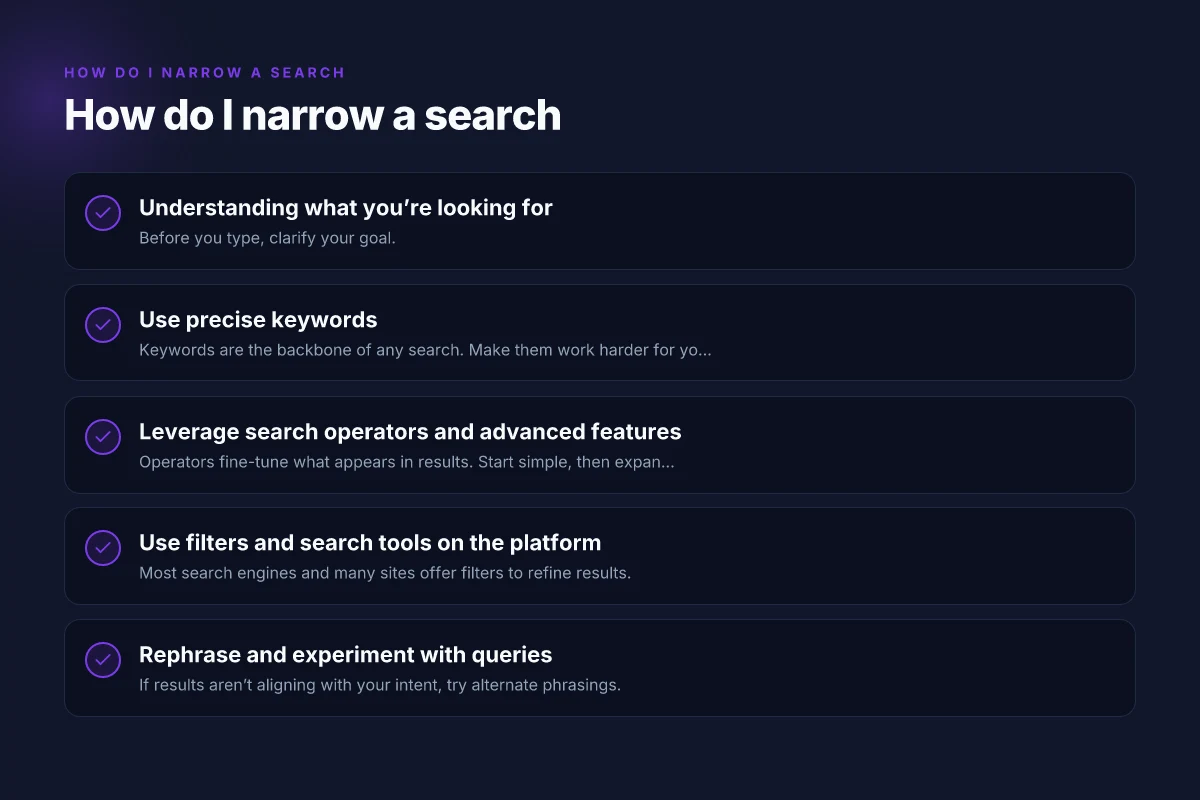
Use precise keywords
Keywords are the backbone of any search. Make them work harder for you.
- Be specific: instead of “shoes,” try “men’s running shoes Nike Air Zoom Pegasus.”
- Include essential qualifiers: color, size, model, year, location.
- Use exact phrases with quotes when necessary: "best budget smartphone 2024".
- Avoid vague terms that pull in broad results (e.g., “things,” “stuff,” “updates”).
When to use synonyms and related terms
If your first query returns too many irrelevant results, try synonyms or related terms.
- If “car repair manual” brings lots of blog posts, try “auto repair guide” or “vehicle service manual.”
- Consider regional or dialect variations (lorry vs truck, trousers vs pants) to capture more pages.
Think about inclusive language and variations
- Include plural and singular forms: “guide” and “guides.”
- Use acronyms and full terms: “RAM” and “random-access memory.”
- Swap uppercase for lowercase if a term is case-sensitive on a site.
Leverage search operators and advanced features
Operators fine-tune what appears in results. Start simple, then expand as needed. How does a search engine work?
- Quotation marks “ ” lock in exact phrases.
- The minus sign - excludes terms. Example: “vacation -hotel” removes hotel results.
- site: restricts results to one domain. Example: site:wikipedia.org.
- filetype: targets a specific format. Example: filetype:pdf.
- intitle: searches terms in the page title.
- OR (in caps) combines related terms. Example: “laptop OR notebook.”
- parentheses group terms for complex logic: (camera OR photo) AND (review OR guide).
Example progressive refinement
- Start general: running shoes
- Narrow by intent: “men’s running shoes Nike”
- Add specificity: “Nike Air Zoom Pegasus 40 review”
- Exclude noise: “Nike running shoes site:nike.com -store -sale”
Use filters and search tools on the platform
Most search engines and many sites offer filters to refine results.
- Time range: focus on recent results (last year, last month).
- Type of content: images, videos, news, learning resources, forums.
- Language: filter for your preferred language.
- Domain or source quality: limit to reputable sites or domains you trust.
- Price range and availability for shopping searches.
Feature set for a refined search workflow
| Step | What you do | Key tool/feature | Expected outcome | When useful |
|---|---|---|---|---|
| Understand goal | Define need | Clarify question | Clear target | Start of search |
| Pick keywords | List terms | Synonyms, related terms | Relevant hits | Early stage |
| Use operators | Build query | AND/OR/NOT, quotes | Precise match | Complex queries |
| Apply filters | Limit by field | Date, type, source | Smaller set | Platform offers filters |
| Iterate | Refine terms | Re-run search | Improved relevance | When not satisfied |
Compiled November 2026; check the provider's site for current details.
Rephrase and experiment with queries
If results aren’t aligning with your intent, try alternate phrasings. PPT Slide: Mastering PowerPoint Slides for Effective Presentations
- Swap verbs: “how to fix” vs “how to repair.”
- Change the order of terms: “best budget smartphone 2024” vs “2024 best budget smartphone.”
- Break a complex query into smaller parts and search sequentially:
- general background
- specific example or model
- peer reviews or tutorials
Organize your findings and think iteratively
A narrowing search isn’t a single moment. It’s an ongoing process.
- Save promising results and revisit with a revised query.
- Create a short list of keywords and test them in rounds.
- If you’re researching, keep a simple log of terms that produced good results and ones that didn’t. This helps you build a tailored vocabulary for faster searches in the future.
A practical comparison: traditional search vs. refined search
Here’s a quick table showing how a basic search compares to a refined search approach for a common task.
| Aspect | Basic search | Refined search |
|---|---|---|
| Query example | shoes | "men's running shoes Nike" |
| Result scope | broad, many unrelated pages | narrower, more relevant pages |
| Time to relevance | longer | shorter |
| Filters used | none | time range, type (reviews), site filter |
| Outcome | may miss exact match | higher likelihood of finding exact match, review, or product page |
Practical tips for common scenarios
- Shopping online: Start with the exact item name, add size/color, then filter by price, reviews, and availability. Use price alerts if available.
- Academic research: Use precise terms, year or field keywords, and limit to scholarly domains (site:edu, site:ac.uk) or use academic databases. Add “review” or “meta-analysis” to find summaries.
- How-to guides: Combine “how to” with the exact task and avoid overly broad terms. If you’re stuck, search for “tutorial” or “step-by-step” plus the task.
Common platform-specific tricks
- Google: use all the operators and the tools under "Tools" to filter by time, site, or file type.
- Bing: supports similar operators. Often returns different results, use both if you’re not finding what you need.
- YouTube: filter by upload date, duration, and features like subtitles to narrow tutorial videos.
- E-commerce sites: use category filters (brand, price, rating) and sort by “Top rated” or “Price low to high” to quickly uncover the best options.
Practical scenario comparison
| Scenario | Traditional search result quality | Refined search result quality | Time to useful results | User effort |
|---|---|---|---|---|
| Simple fact | Moderate | High | Medium | Low |
| Narrow topic | Low | High | Medium | Medium |
| Unclear phrasing | Moderate | High | Medium | Medium |
| Large dataset | Low | Very high | High | High |
Compiled November 2026; check the provider's site for current details. What are some search engines
The short final recommendation
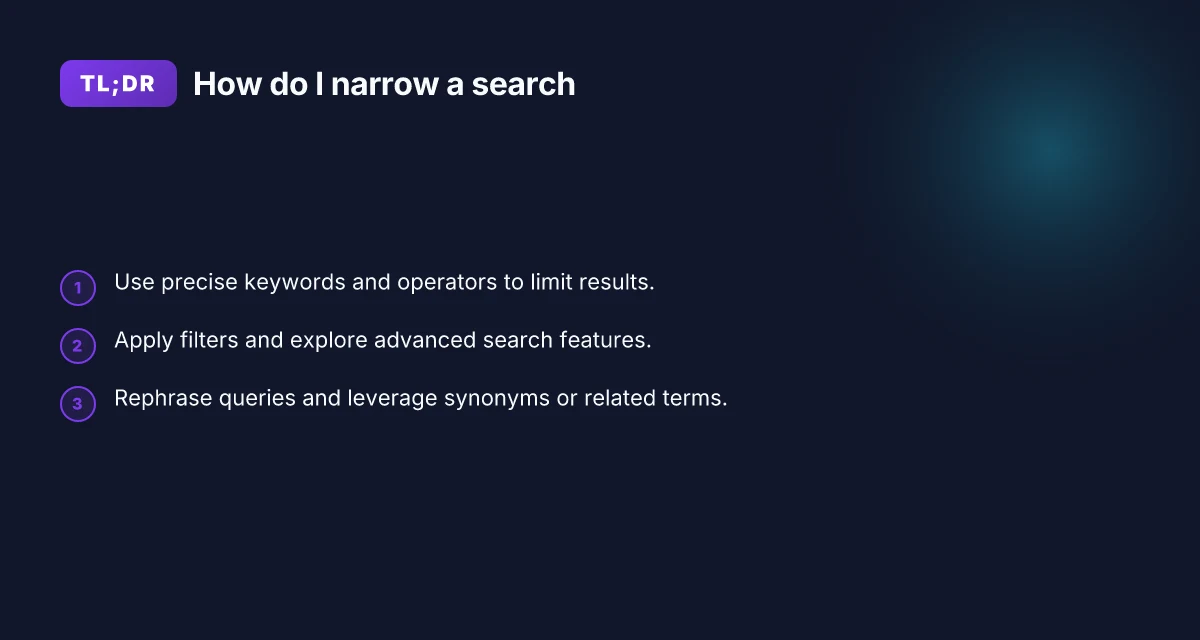
To reliably narrow a search, start with a precise, descriptive query and immediately apply at least one filter or advanced operator. Add a quoted phrase for exact matches, then try a related term if results feel off. If needed, split complex questions into smaller parts and search each part separately. Keep a small set of core keywords you reuse across sessions, and progressively refine based on what you see. With a little practice, narrowing searches becomes nearly automatic, turning overload into clarity.