How do I broaden a search

Practical strategies to expand search queries and improve results across libraries, search engines, and databases.
Broadening a search is about turning a focused query into a broader set of terms and tools without losing relevance. Whether you’re researching for a paper, looking for products, or hunting for information online, the goal is to capture more useful results while keeping results manageable. Below you'll find practical steps you can apply right away, plus tips for different contexts.
Start with a clear base query and map the core concepts
A strong starting point makes it easier to expand without going off track.
- Write down the exact question you’re trying to answer.
- Identify 2–4 core concepts or keywords.
- Note any related ideas that could be synonyms or alternatives.
- Decide what “broadened” means in your context (more results, more sources, more formats?).
Example:
- Base query: "effects of urban green spaces on mental health."
- Core concepts: urban, green spaces, mental health.
- Related ideas: parks, city parks, nature exposure, well-being, psychology.
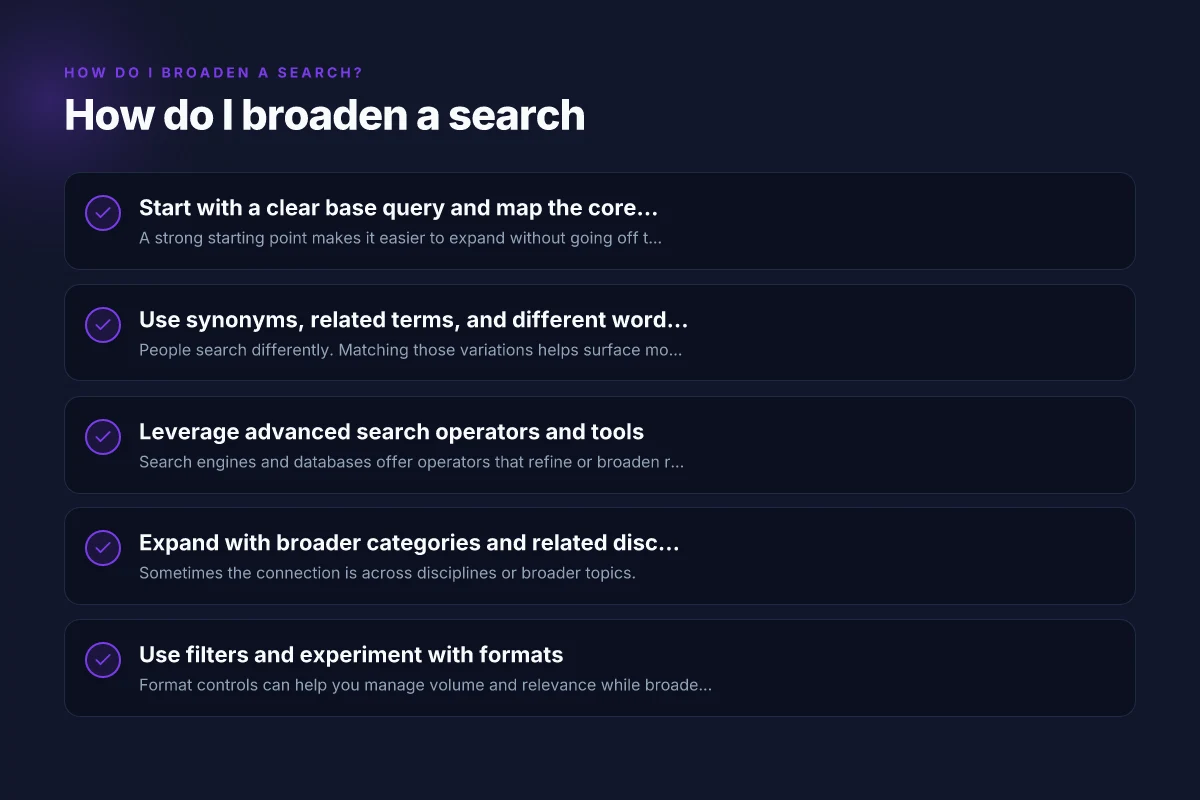
Use synonyms, related terms, and different word forms
People search differently. Matching those variations helps surface more results.
- Brainstorm synonyms for each core concept.
- Consider related terms and broader categories.
- Include different word forms, plurals, and tense (park vs parks, mental health vs well-being).
- Don’t ignore spelling variations (American vs British: "behavior" vs "behaviour").
Practical examples: How do I narrow a search
- If searching for "urban green spaces," add "city parks," "public parks," "natural spaces in cities," "green areas," "urban nature."
- For "mental health," try "well-being," "psychological health," "emotional health," "mental well-being."
Leverage advanced search operators and tools
Search engines and databases offer operators that refine or broaden results. Learn a few that fit your platform.
- Basic operators:
- Quotation marks for exact phrases: "urban green spaces"
- OR to combine synonyms: urban OR city OR municipal
- AND to require multiple concepts: parks AND mental health
- NOT to exclude terms: parks NOT playgrounds
- Parentheses to group terms: (parks OR green spaces) AND mental health
- Wildcards to include variants: park*
- Proximity operators (where supported): "green spaces" NEAR/5 city
- Field-specific queries (where supported): title:parks OR author:Jones
- Filters: date ranges, language, region, document type (article, report, dataset)
If you’re using general search engines, you may rely on:
- Quotation marks for exact phrases
- OR between synonyms
- Minus sign to exclude terms
If you’re using academic databases, take advantage of:
- Subject headings or controlled vocabularies
- Filters for peer-reviewed articles, years, and document type
- Citation chaining (backward and forward)
Expand with broader categories and related disciplines
Sometimes the connection is across disciplines or broader topics. How does a search engine work?
- Move from a specific angle to a broader category. For example, from “urban green spaces and mental health” to “urban planning” or “public health.”
- Explore related disciplines that study similar phenomena: sociology, environmental psychology, urban design, public health, geography.
- Include cross-domain terms like "well-being indicators," "quality of life," "civic spaces," or "nature exposure."
This helps you catch interdisciplinary sources that might not label themselves with your initial keywords.
Use filters and experiment with formats
Format controls can help you manage volume and relevance while broadening reach.
- Change format: articles, reports, theses, datasets, videos, podcasts.
- Adjust date ranges to include foundational studies or recent developments.
- Switch languages or regions if relevant to your question.
- Use domain-specific repositories (e.g., PubMed for health, IEEE Xplore for engineering, JSTOR for humanities) to find source types you wouldn’t see on generic search engines.
Pro tip: when results feel too narrow, temporarily loosen a filter (e.g., date or document type) to see what pops up. When results are too broad, tighten filters again.
Compare results with a simple planning table
A small table can help you see where your results come from and where gaps exist. Use this as a live document while you search. PPT Slide: Mastering PowerPoint Slides for Effective Presentations
| Area | Base keywords | Expanded keywords | Sources found | Gaps / notes |
|---|---|---|---|---|
| Urban green space | "urban green spaces," parks | city parks, public green spaces, nature in cities | Articles, reports from urban planning journals | Need more on mental health metrics |
| Mental health | mental health, well-being | emotional health, psychological wellness | Health-focused journals, policy reports | Some regional data missing |
Tips for using the table:
- List where you found sources and what keywords led you there.
- Mark gaps and return later with new phrases or filters.
- Use it to guide your next round of keyword expansion.
Try multi-step search tactics and backtracking
A structured approach helps you stay productive when the breadth grows.
- Step 1: Run the base query and skim top results for focus.
- Step 2: Add synonyms and related terms. Record what you gain.
- Step 3: Apply operators and filters to test boundaries.
- Step 4: Check citations of key papers to discover related work.
- Step 5: Reassess and refine: what remains unanswered? which terms are most productive?
Backtracking is crucial. If you expand and get irrelevant hits, retrace to the core concepts and prune terms that drift too far.
Practical expansion checklist
- Start with 2–4 core concepts.
- Create 3–6 synonyms or related terms per concept.
- Use quotation marks for exact phrases where it matters.
- Apply at least one narrowing and one broadening technique (e.g., AND, OR, date filter).
- Explore formats beyond text articles (datasets, videos, reviews).
- Check references from top results to discover additional keywords.
- Keep a running log of successful terms and dead ends.
If you’re new to this, practice with a small topic and gradually scale up to more ambitious searches. The goal isn’t to collect every possible hit, but to build a robust, relevant set of sources and insights. What are some search engines
Comparison of search strategies A quick look at common approaches helps you choose what to use when.
| Strategy | When to use | Pros | Cons |
|---|---|---|---|
| Synonyms and related terms | When results are too narrow | Broadens reach, uncovers alternative sources | Can introduce irrelevant hits if terms are too broad |
| Boolean operators (AND, OR, NOT) | When you need precision and breadth | Precise control over terms | Requires careful construction; can be syntax-heavy |
| Quotes and exact phrases | When the exact phrase is essential | Highly relevant results | Misses items with minor wording variations |
| Field-specific queries | When you know where to find information | Targeted results, higher quality | Limited to platforms supporting fields |
| Filters and date ranges | When you want recency or scope | Reduces noise, focuses on timeframe | Can exclude useful older sources |
Final section: recommendation If you want a practical, repeatable way to broaden a search without sacrificing relevance, adopt a three-step loop:
- Define and map your core concepts. Write them down, identify synonyms, and note related terms.
- Build your expanded query set using a mix of synonyms, related terms, and word forms. Layer in advanced search operators and platform filters as appropriate.
- Validate and iterate. Scan results quickly, check top sources, and refine keywords based on what you learn. Maintain a simple log or table to track effective terms and dead ends.
By combining concept mapping, linguistic expansion, and tool-based refinement, you can broaden searches effectively across search engines, databases, and libraries. With practice, you’ll develop a workflow that yields more relevant results faster and with less frustration.